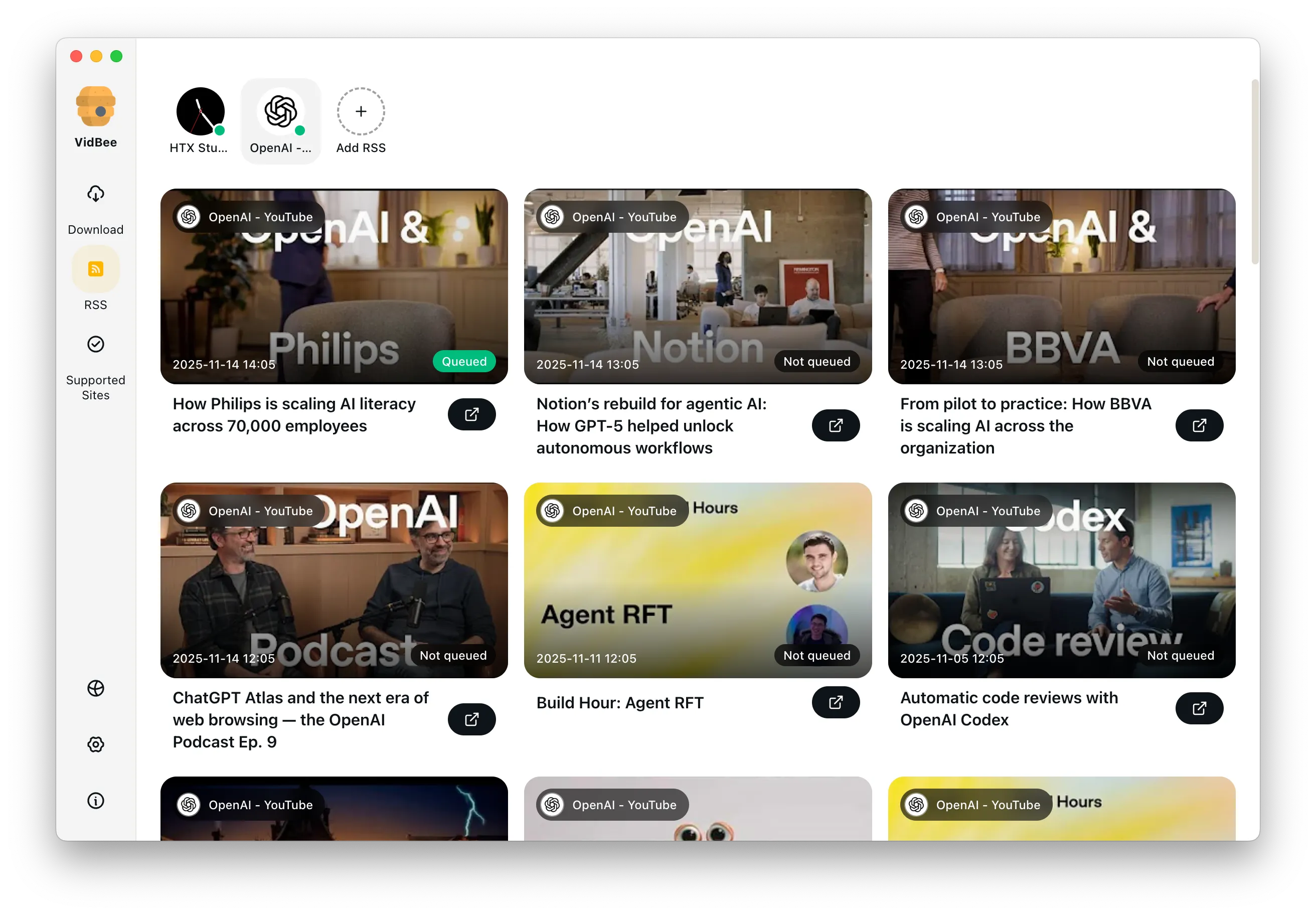
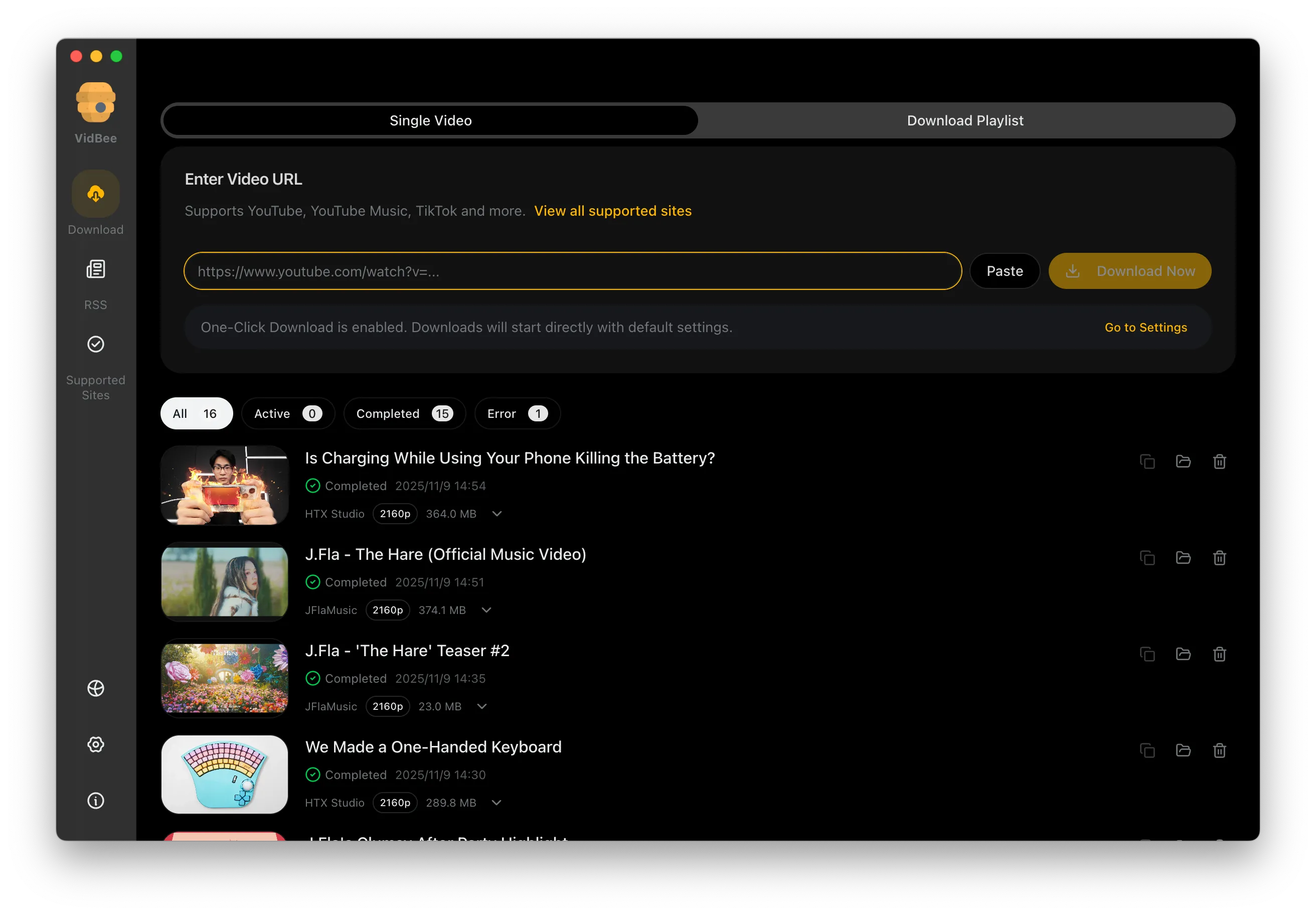
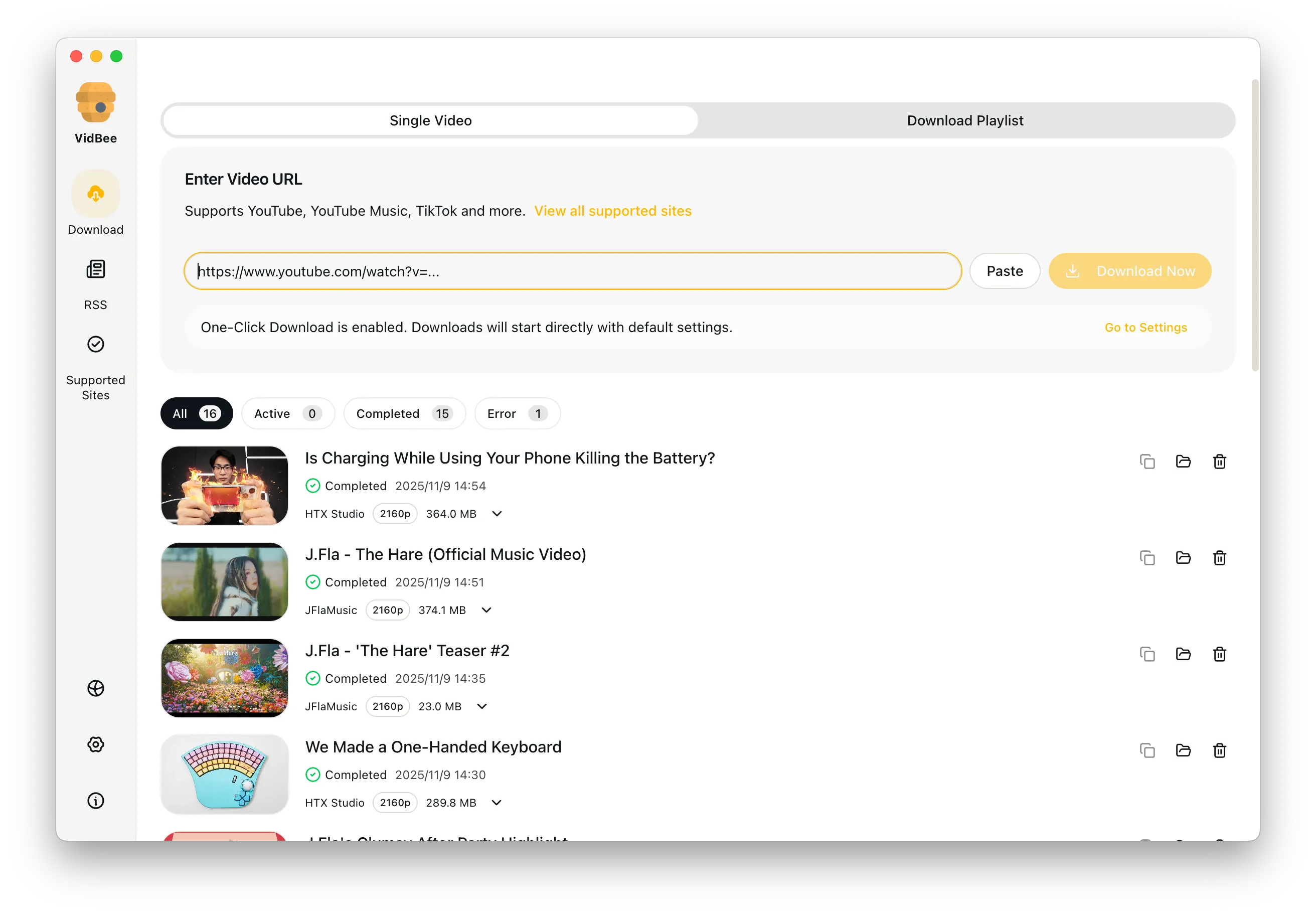
Free Bilibili video downloader interface preview

Free Bilibili Video Downloader

Quickly capture multi-part videos, bangumi seasons, and watch-later lists while keeping danmaku and subtitles in sync.

Free Bilibili downloads / Pristine 4K output / MP4 / MKV / Supports Windows & macOS

Platform pain points at a glance

Say goodbye to slow speeds, ads, and tedious scripts - VidBee focuses on the key challenges of downloading Bilibili videos.

  • Multi-part or collection downloads end up incomplete or out of order
  • Favorites and watch-later lists are hard to export in bulk
  • 1080p is often locked behind restrictions
  • Ads and redirects interrupt the workflow

Download Bilibili videos in 3 steps

No scripts or complicated setup required. Follow the steps to capture high-quality videos effortlessly.

  1. 1

    Copy a video or favorites link

    Open the target page on Bilibili and copy its URL.

  2. 2

    Paste and parse

    Paste the link into VidBee. It automatically detects multi-part videos, bangumi episodes, and favorites entries.

  3. 3

    Choose quality and start

    Pick the resolution, audio track, or danmaku export you need, then begin batch downloading.

Features

Cinematic Background

Download YouTube Playlists, Channels, and Search Results

Save playlists, channels, and search results from YouTube in high quality. Download YouTube Watch Later, Liked videos, and private YouTube playlists.

RSS Auto Download & Batch Processing
Interface Preview
Landscape Background

Extract YouTube Subtitles

Download annotations and subtitles along with YouTube videos. Save them in SRT format and choose from 50+ languages.

Subtitles Interface
Landscape

Get Videos in 4K & 8K

Download videos in HD 720p, 1080p, 4K, and 8K resolution. Enjoy high definition on any device.

Video Quality Interface

Frequently asked questions

Answers the common questions about Bilibili downloads, quality, permissions, and workflows.

Paste a Bilibili URL into VidBee and pick 4K or 1080p from the quality selector. VidBee falls back to the highest stream available when the source does not offer 4K.

After parsing, choose Export subtitles in the download panel to save SRT files alongside the video. Multi-language subtitles are detected automatically when the source provides them.

Yes. Pick MP4 to keep the video or MP3/M4A to extract audio only. VidBee uses a bundled FFmpeg so no extra tools are needed for conversion.

Yes. Paste a single URL, a favorites or watch-later list, a bangumi season, or a multi-part video. VidBee parses the full list and queues every item automatically.

Yes. As long as the episodes are publicly accessible, VidBee parses the entire list and queues everything automatically, keeping the episode order intact.

Yes. After parsing you can export XML danmaku or subtitle files, ideal for offline playback or post-production.

VidBee includes multi-threading and retry logic, so downloads usually run at full bandwidth without ad interruptions.

No. Public favorites can be parsed without logging in. Private content still requires the account owner's authorization.

Yes. VidBee is open source on GitHub, free of ads, paywalls, and accounts. The yt-dlp and FFmpeg engines it relies on are also open source.

Start downloading Bilibili videos now

Install once and immediately handle video collecting and backups across platforms.

Only download content that is publicly accessible and that you have the right to use. Respect copyright and each platform's terms of service.

Resources