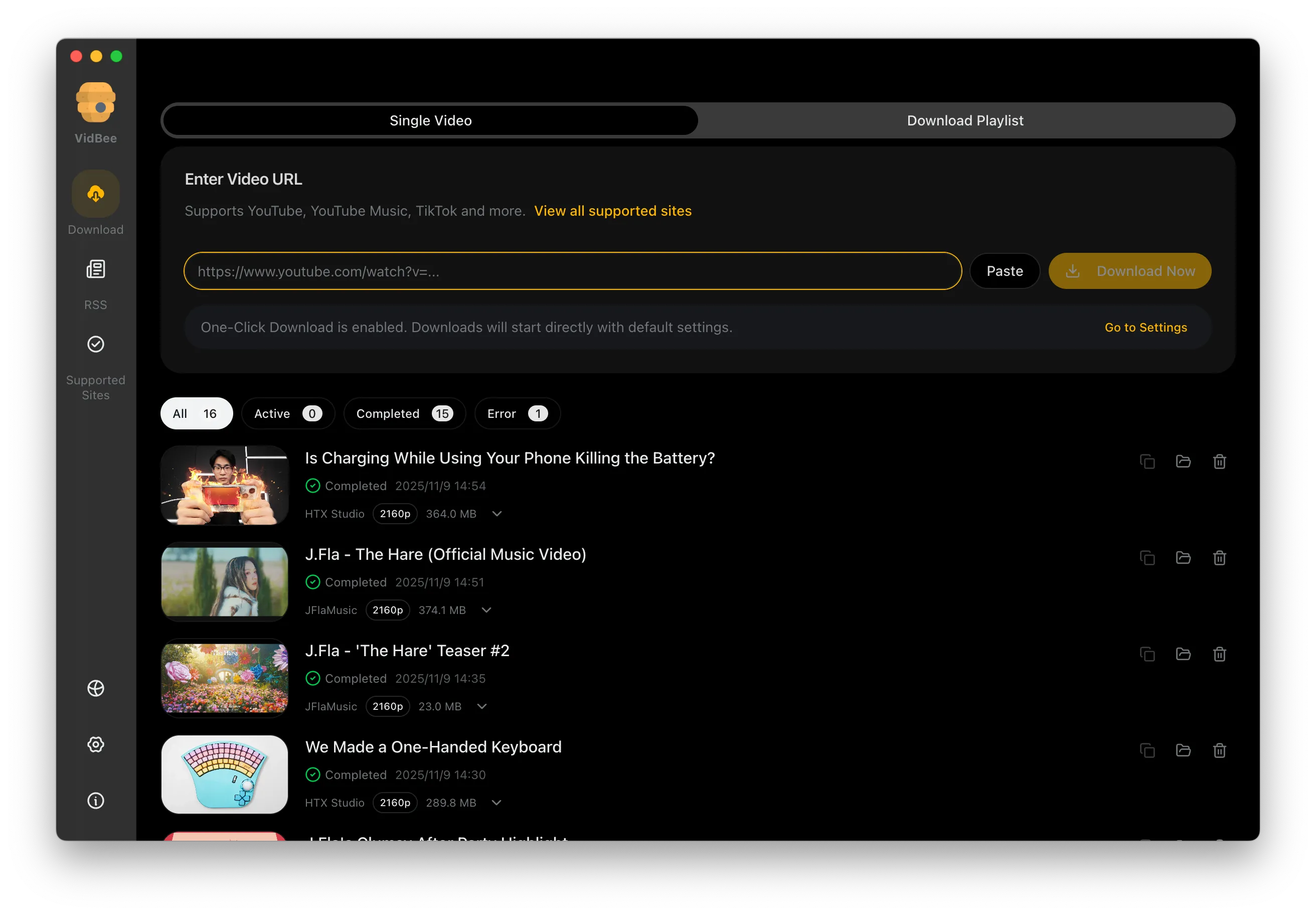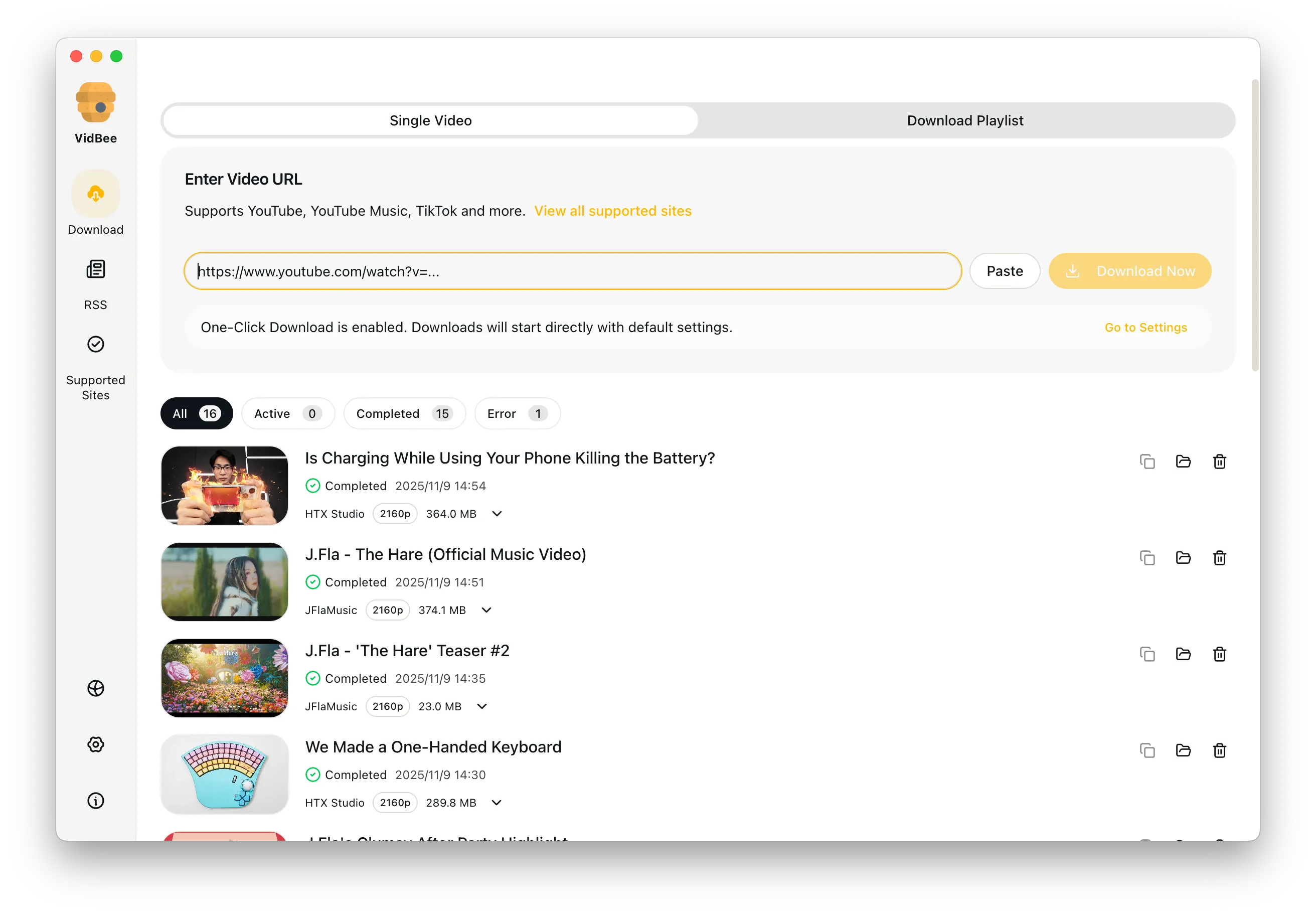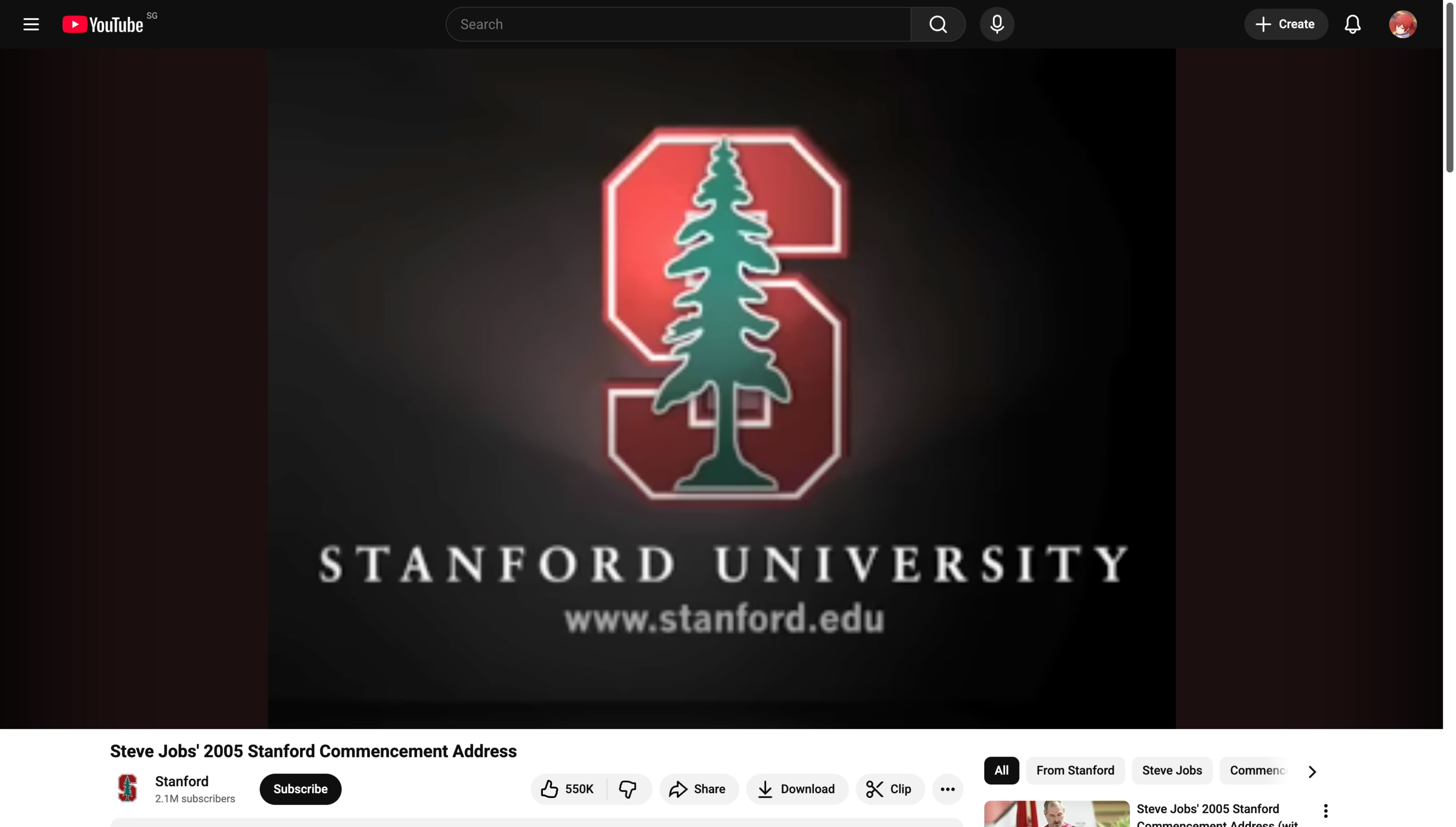
Free YouTube video downloader interface preview

Free YouTube Video Downloader

Use VidBee's desktop queue to save YouTube videos, playlists, and subtitles on Windows or macOS when you have the right to access them.

Free Download

Completely free. No registration or account required.

Free YouTube downloads / No registration or account / 4K when available / MP4 / MKV / Supports Windows & macOS

Platform pain points at a glance

Say goodbye to slow speeds, ads, and tedious scripts - VidBee focuses on the key challenges of downloading YouTube videos.

  • Most sites throttle speeds and bombard you with ads
  • Playlist or channel downloads require tedious setup
  • High resolutions often cap out at 720p
  • Subtitles and chapter data are hard to grab accurately

Download YouTube videos in 3 steps

No scripts or complicated setup required. Follow the steps to capture high-quality videos effortlessly.

  1. 1

    Copy the link

    Copy the video or playlist URL directly from YouTube.

  2. 2

    Paste into VidBee

    Open VidBee and paste one or multiple links into the input box.

  3. 3

    Pick quality & subtitles

    Choose the resolution, format, and subtitle language you need, then start downloading.

Choose single video, playlist, or batch downloads

Route repeat YouTube saves into the workflow that matches the size of the job.

Move long queues to the playlist page

Use this page for the broad YouTube video downloader workflow. When you need a full queue, a batch video downloader, or safer retry handling for many videos at once, the dedicated playlist page gives that intent more room.

Use yt-dlp power without command-line setup

Pick formats, quality, and MP4-friendly outputs from a desktop interface.

Open the GUI when format control matters

If your search is really about yt-dlp format choices, MP4 output, or visible download folders, VidBee's focused GUI page explains that workflow better than a generic downloader page.

Subtitle workflow for downloaded videos

Keep subtitle intent split between downloading with subtitles and extracting tracks from local files.

Download with subtitles, then extract local tracks if needed

VidBee can work as a YouTube downloader with subtitles when the source provides subtitle data. If you already saved a video file and it contains embedded subtitle tracks, use the local tool to export SRT or VTT without calling it a direct YouTube subtitle downloader.

YouTube downloader for Mac and desktop users

Send Mac-specific searches to the page built for macOS objections and alternatives.

Use the Mac page for platform-specific decisions

If you are choosing a video downloader for Mac, compare VidBee's macOS workflow, playlist handling, local folders, and Downie or ClipGrab alternatives on the Mac-focused page.

Features

Cinematic Background

Download YouTube Playlists, Channels, and Search Results

Save playlists, channels, and search results from YouTube in high quality. Download YouTube Watch Later, Liked videos, and private YouTube playlists.

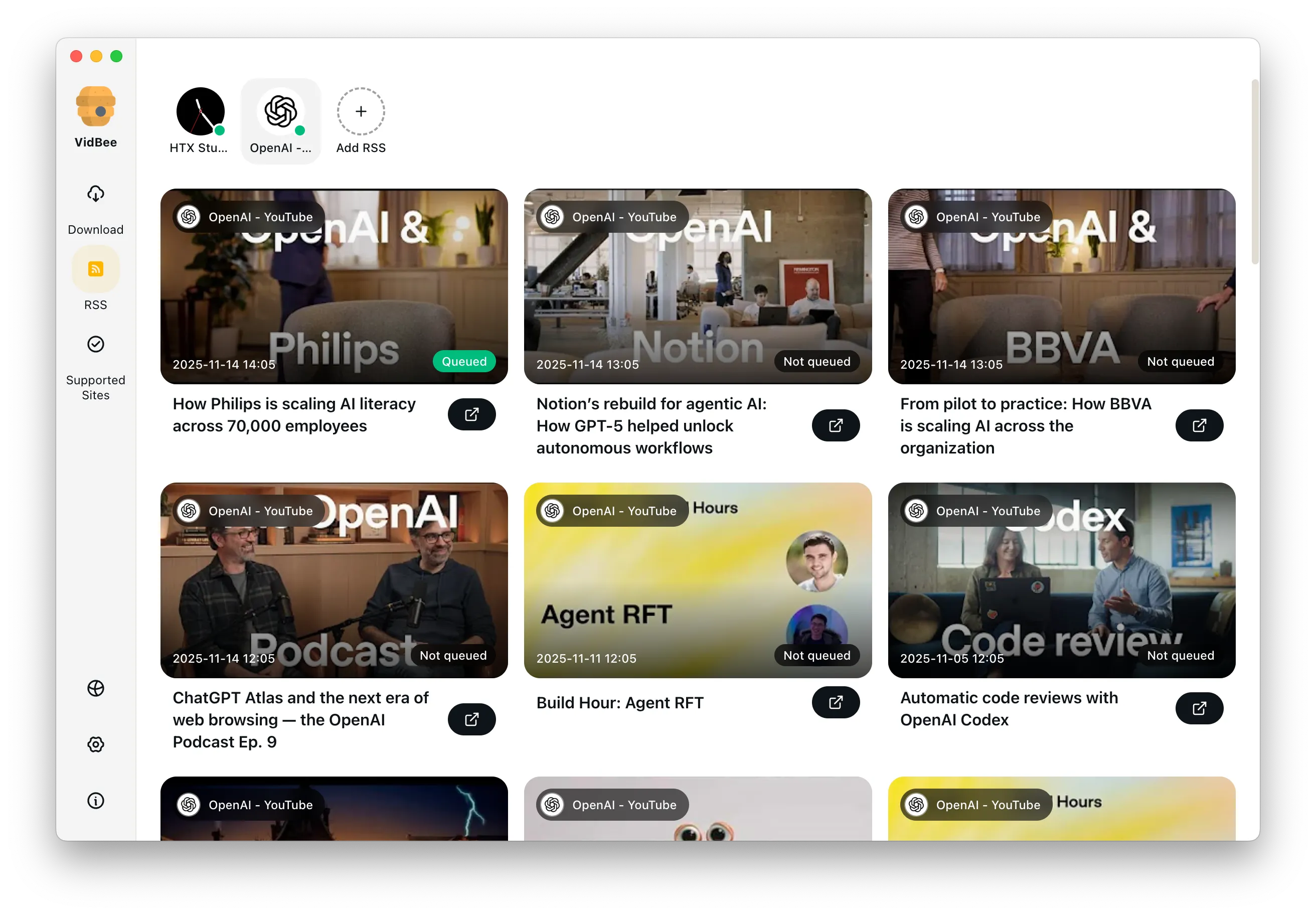
RSS Auto Download & Batch Processing
Interface Preview
Landscape Background

Extract YouTube Subtitles

Download annotations and subtitles along with YouTube videos. Save them in SRT format and choose from 50+ languages.

Subtitles Interface
Landscape

Get Videos in 4K & 8K

Download videos in HD 720p, 1080p, 4K, and 8K resolution. Enjoy high definition on any device.

Video Quality Interface

Frequently asked questions

Answers the common questions about YouTube downloads, quality, permissions, and workflows.

Yes. VidBee parses playlists and channels in bulk, lets you queue everything, and skip any videos you do not need.

Yes. VidBee is powered by yt-dlp and offers multiple resolutions and codecs after parsing, including 4K/8K, HDR, and separate audio plus video for maximum quality.

No. VidBee works with publicly accessible links and never requests your YouTube credentials.

Yes. Enable subtitles before downloading to export SRT or ASS files in multiple languages for organization or translation.

Start downloading YouTube videos now

Install once to handle video collecting and backups across platforms. Completely free, with no registration or account required.

Only download content that is publicly accessible and that you have the right to use. Respect copyright and each platform's terms of service.

Resources