Apple Silicon and Intel
The v2.1.0 official release includes separate arm64 and x64 DMG files. The installer list is packaging evidence; it does not establish a minimum macOS version or a successful test on every Mac.
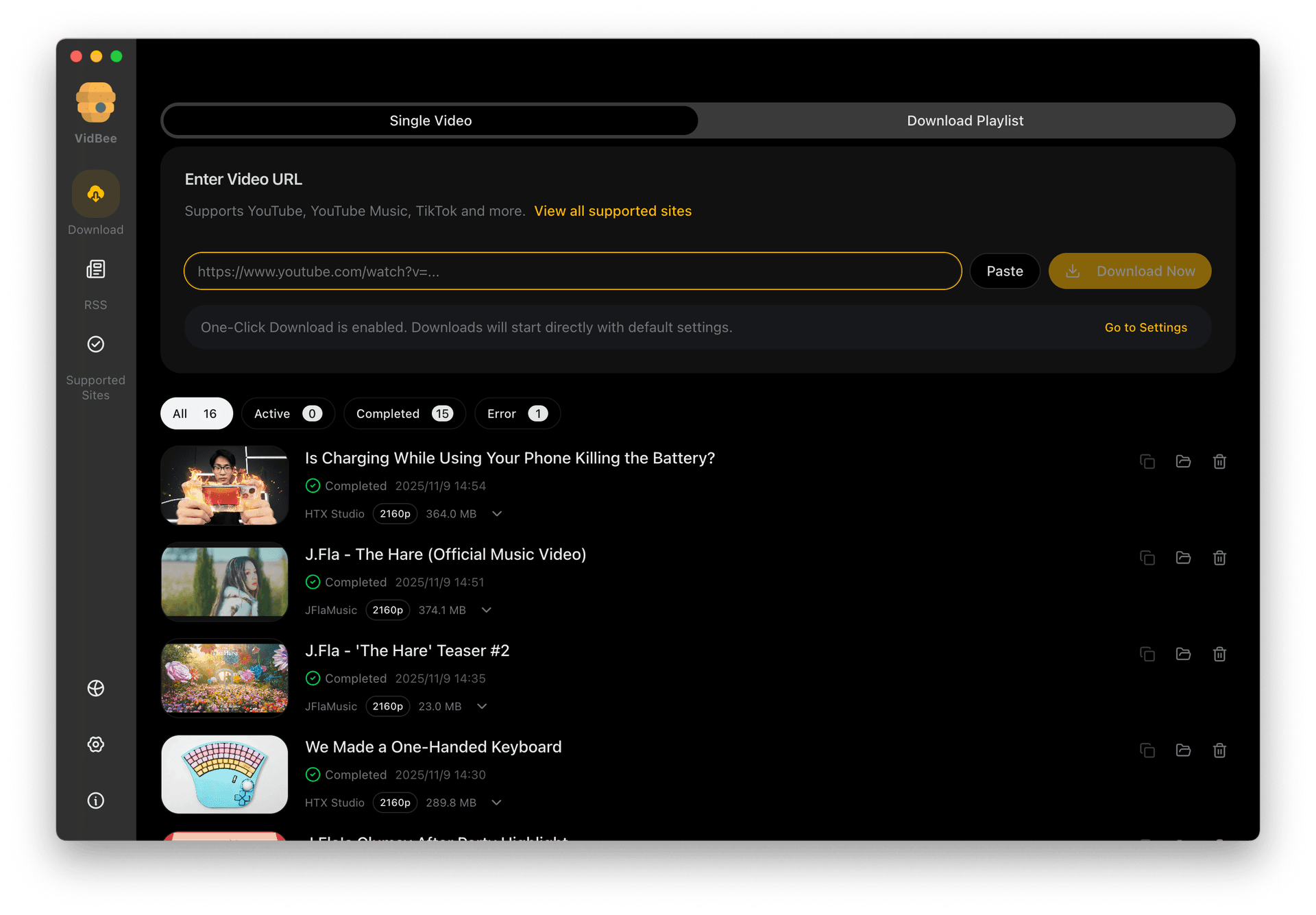
Install VidBee on an Apple Silicon or Intel Mac, review the formats available for a permitted YouTube video, and save it to a folder you choose. Transcript tools are available after the file is on your computer.
Completely free. No registration or account required.
Start with the installer, source access, formats and destination.
Check each stage, from the installer to the completed file.
Open Apple menu → About This Mac. Choose Apple Silicon (arm64) for an Apple chip, or Intel (x64) for an Intel processor, on the official download page.
Open the DMG and move VidBee to Applications. Open the app and complete the macOS installation prompts. Get installers from the official release page.
Click Add URL and paste a video link. Turn off One-Click Download when you want to review the task before it starts, then choose Fetch.
Choose a video or audio output from the options the source returns. A higher resolution is available only when that source and your permitted access provide it. MP4 is a container choice, not a guarantee of a smaller file.
Use Settings → General → Download location to choose where files are saved. Check the task options and start downloading. Keep the app open while the queue runs.
Wait for the task to complete. Open the destination folder and play the saved file. A parsed URL or a started progress bar does not mean the download has finished.
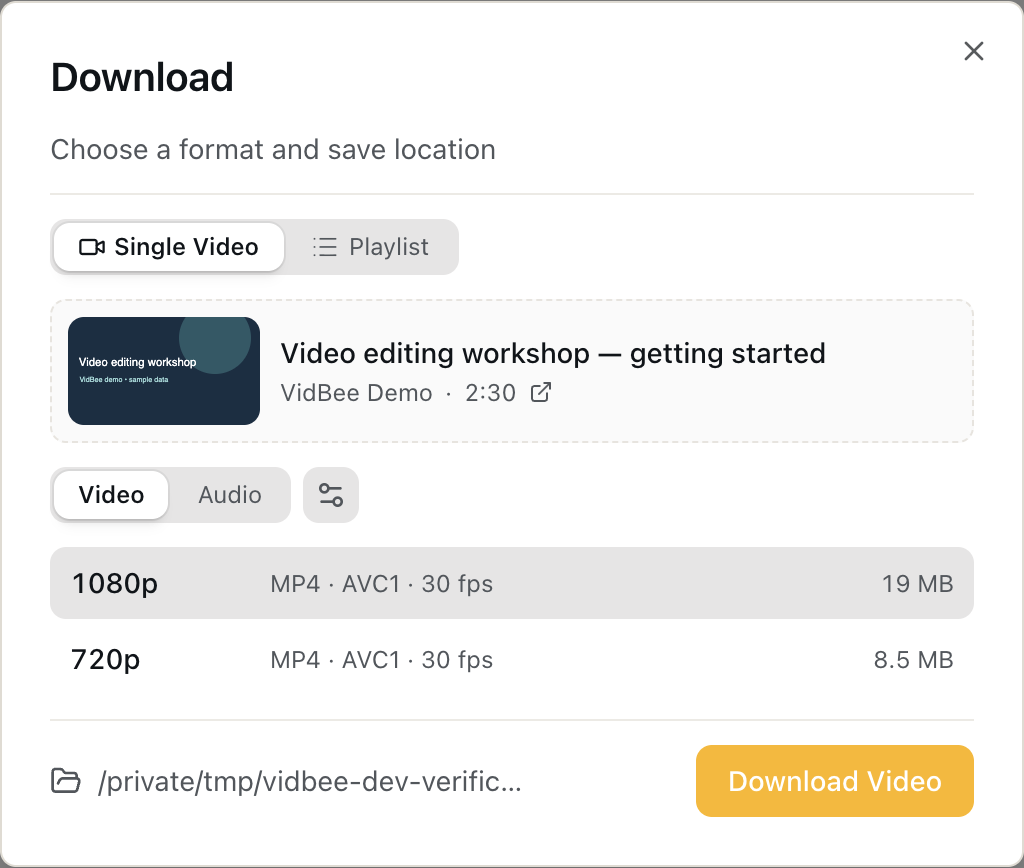
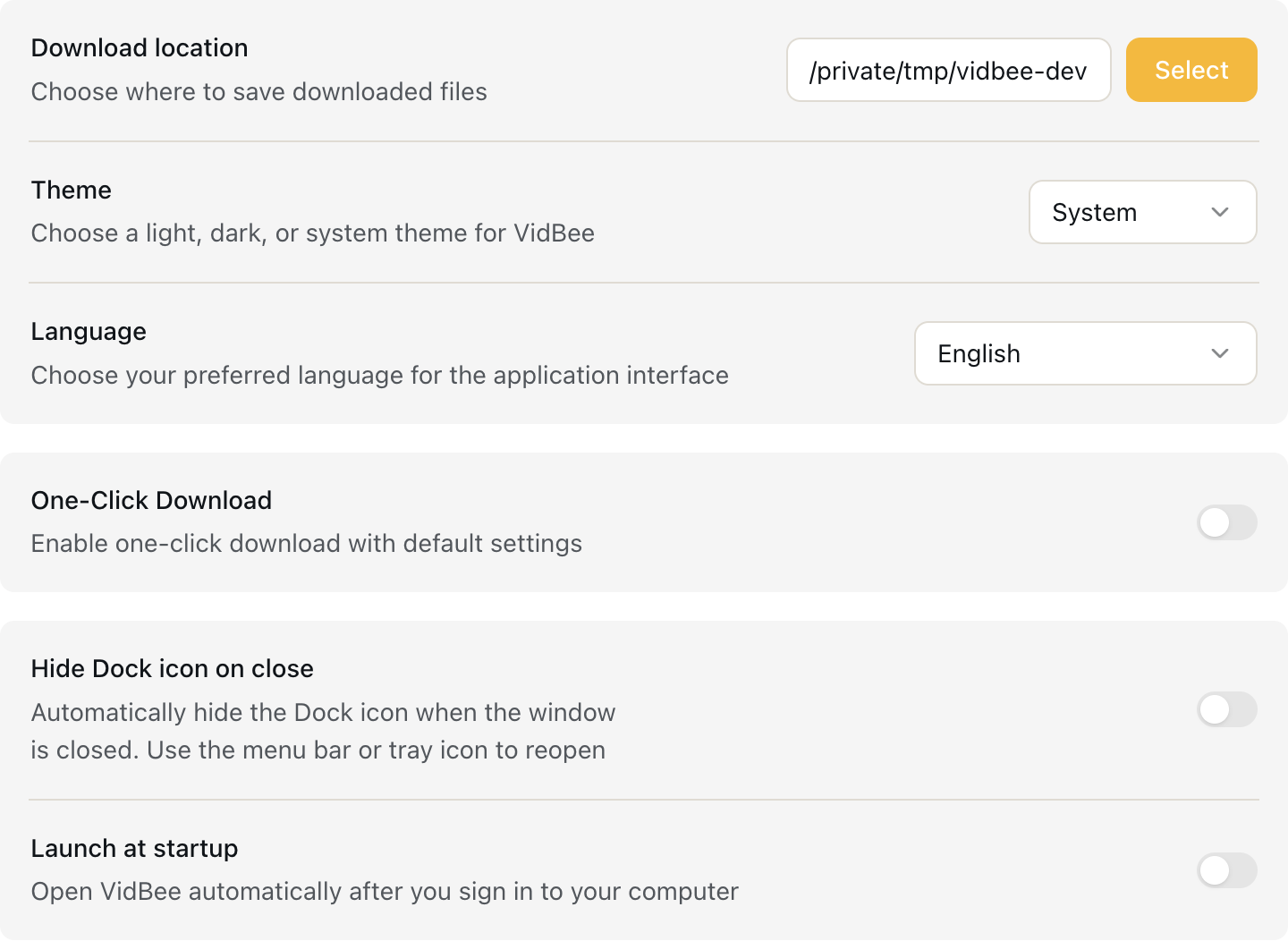

Use the build and output options that match your computer and task.
The v2.1.0 official release includes separate arm64 and x64 DMG files. The installer list is packaging evidence; it does not establish a minimum macOS version or a successful test on every Mac.
The requested container and quality must match available media streams. Auto prefers MP4 and can fall back to MKV when codecs are incompatible. Check the file in the player you intend to use.
Download location is visible in General settings. Set a dedicated folder before a batch so you can compare completed tasks with actual files.
Use the failing stage to choose the next check.
Check the original video in your browser, the connection and source access. Do not treat a loading state as a successful download. A source may require permitted account access or may no longer offer the requested format.
Try another listed format and check the task error. Check free disk space and the destination. Retry only the failed task after addressing the cause.
Use the playlist workflow to review entries and check each result. A playlist count is separate from the number of files actually completed.
Downloading and recognizing speech are separate steps.
Export source captions when the source offers them and your access permits it. The browser subtitle extractor requires an embedded text subtitle track in a saved file.
Import the local file into VidBee and choose a local speech model. The first model download needs a connection. Recognition runs locally after the model is installed; optional AI prompts can send text to your chosen provider.

Save playlists, channels, and search results from YouTube in high quality. Download YouTube Watch Later, Liked videos, and private YouTube playlists.

Download annotations and subtitles along with YouTube videos. Save them in SRT format and choose from 50+ languages.
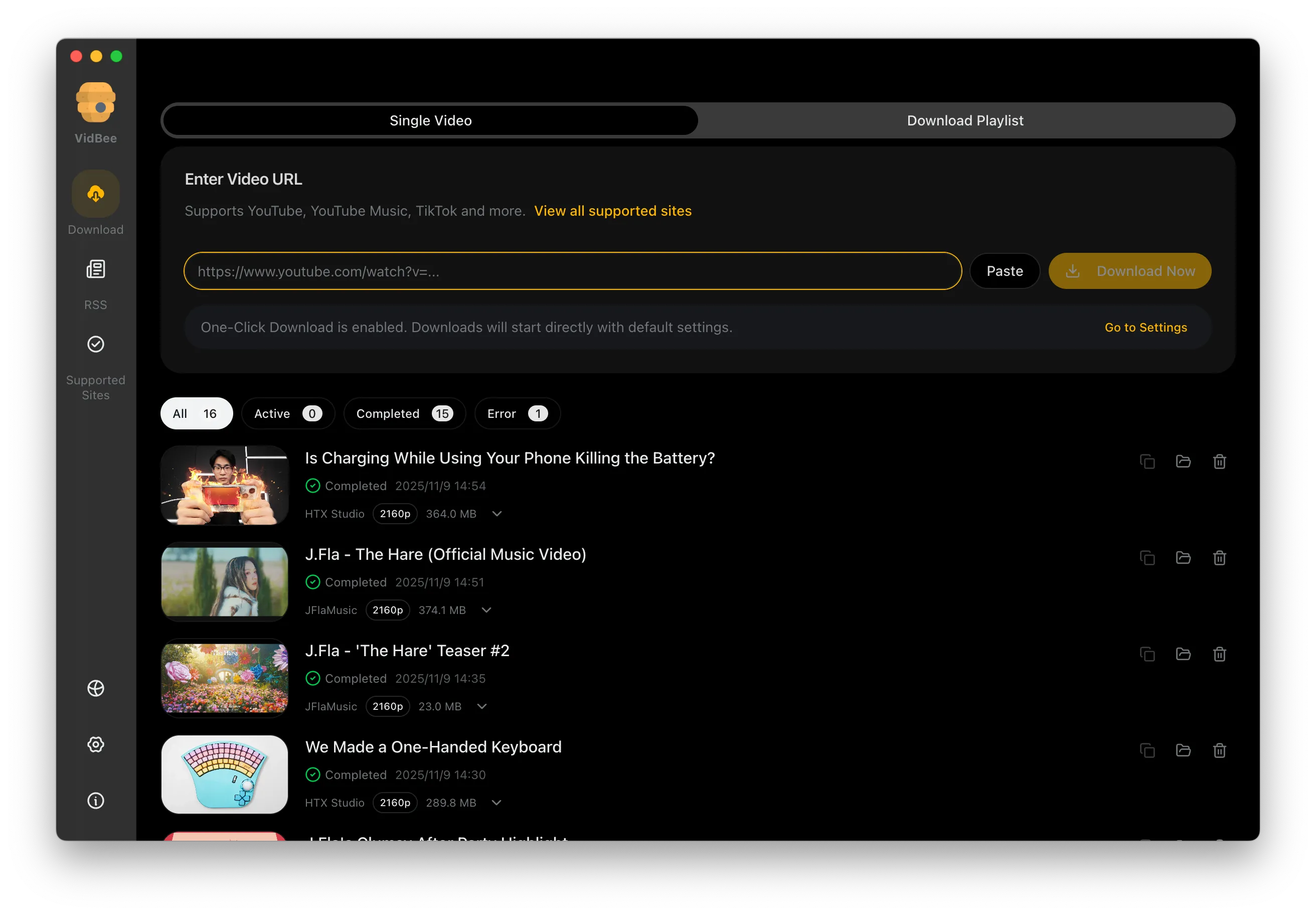

Download videos in HD 720p, 1080p, 4K, and 8K resolution. Enjoy high definition on any device.
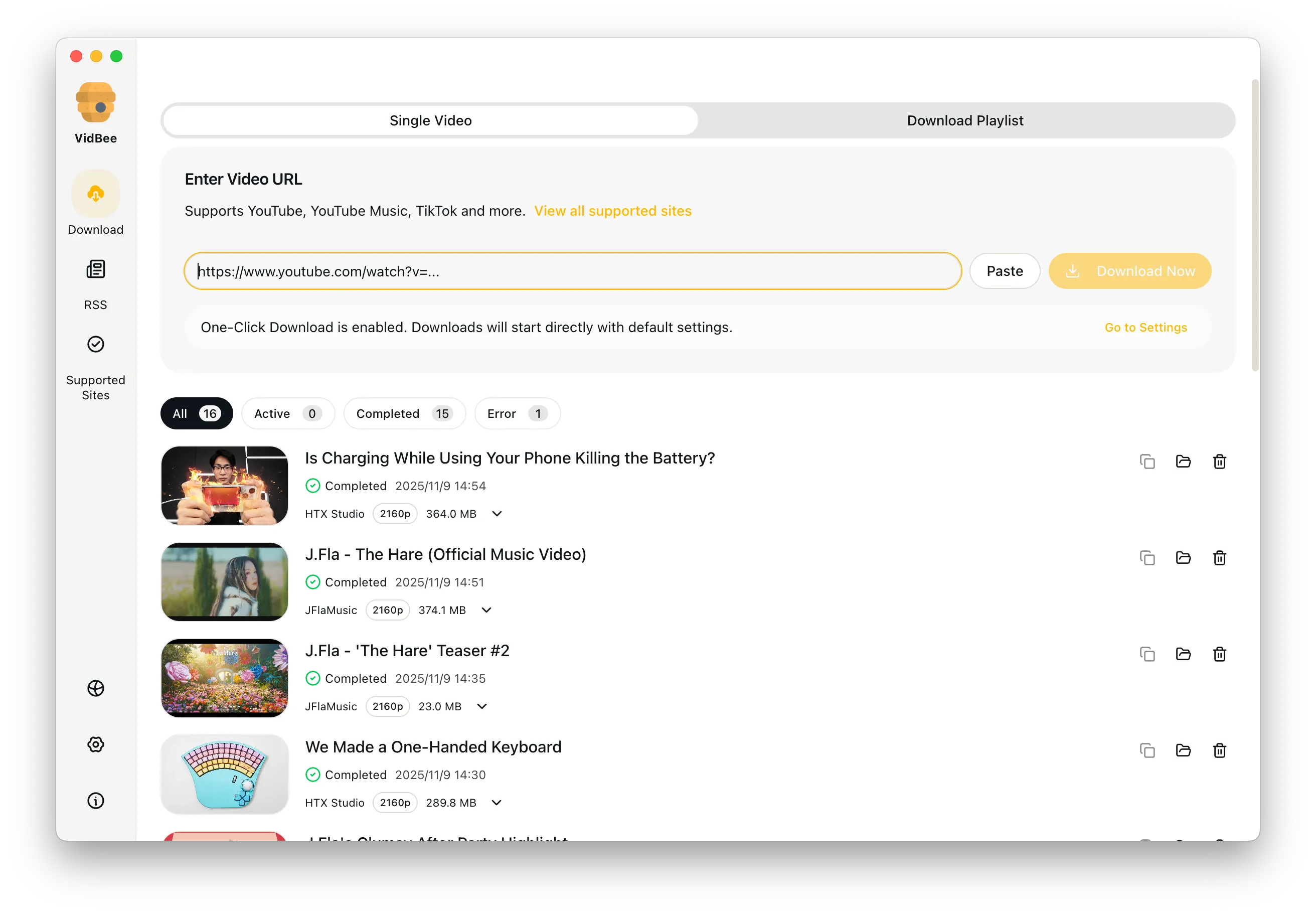
Useful answers for free Mac downloaders, YouTube workflows, 4K files, playlists, permitted audio, and desktop alternatives.
VidBee is a desktop app with a yt-dlp-based downloader. Use it for media you are allowed to save. Available formats and account access depend on the source.
VidBee gives Mac users a cleaner way to save videos, playlists, subtitles, and permitted audio without leaning on browser-only tools. Completely free, with no registration or account required.
Only download content that is publicly accessible and that you have the right to use. Respect copyright and each platform's terms of service.