VidBee vs. Stacher
Compare the key features of VidBee and Stacher.
Completely free. No registration or account required.
Quick verdict
Stacher is a desktop yt-dlp GUI for Windows, macOS and Debian-based Linux. Its core downloader is free, with optional Premium features such as Library. Its official feature list includes subscriptions and video trimming. Stacher can install and manage third-party yt-dlp and FFmpeg from their official sources.
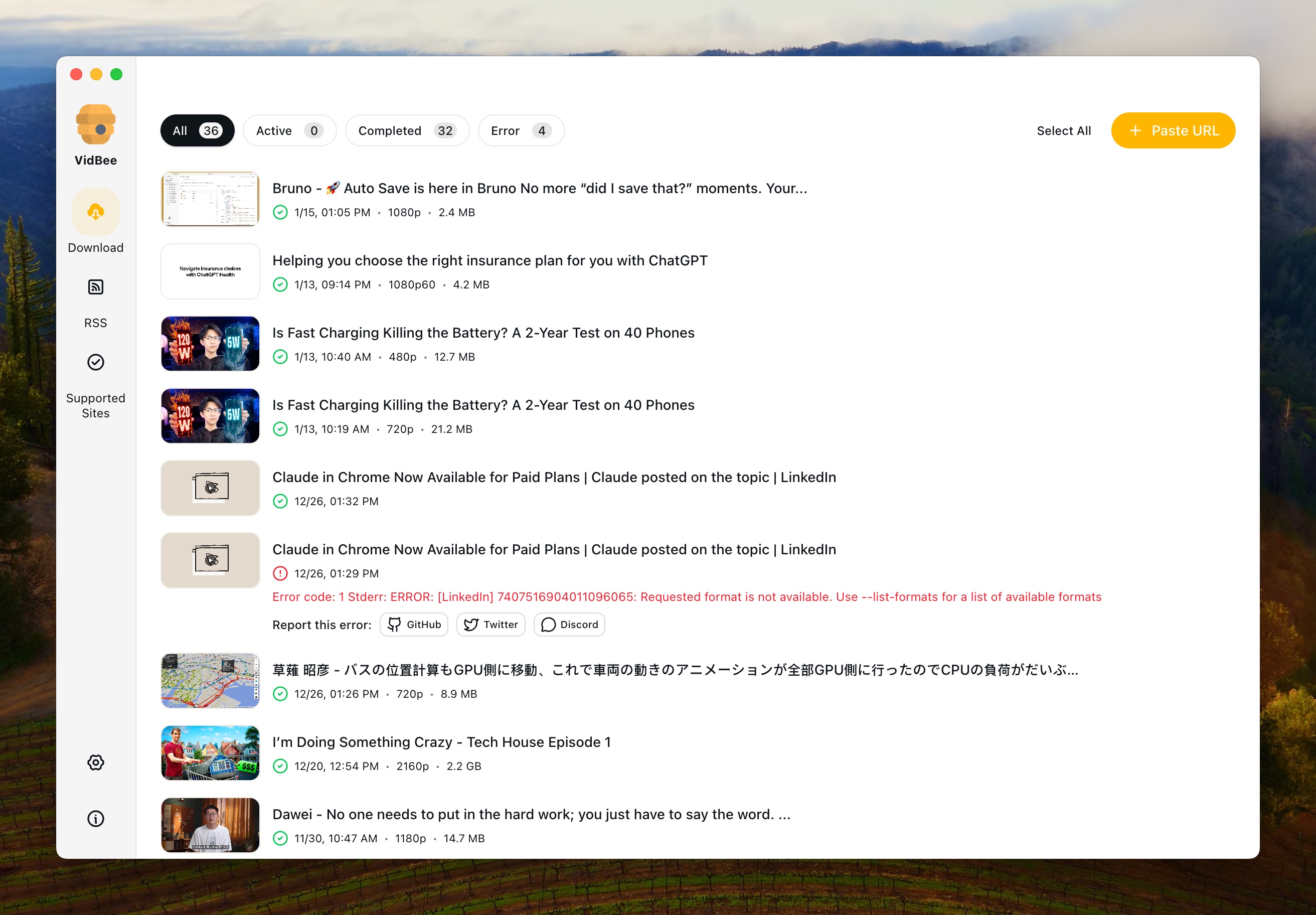
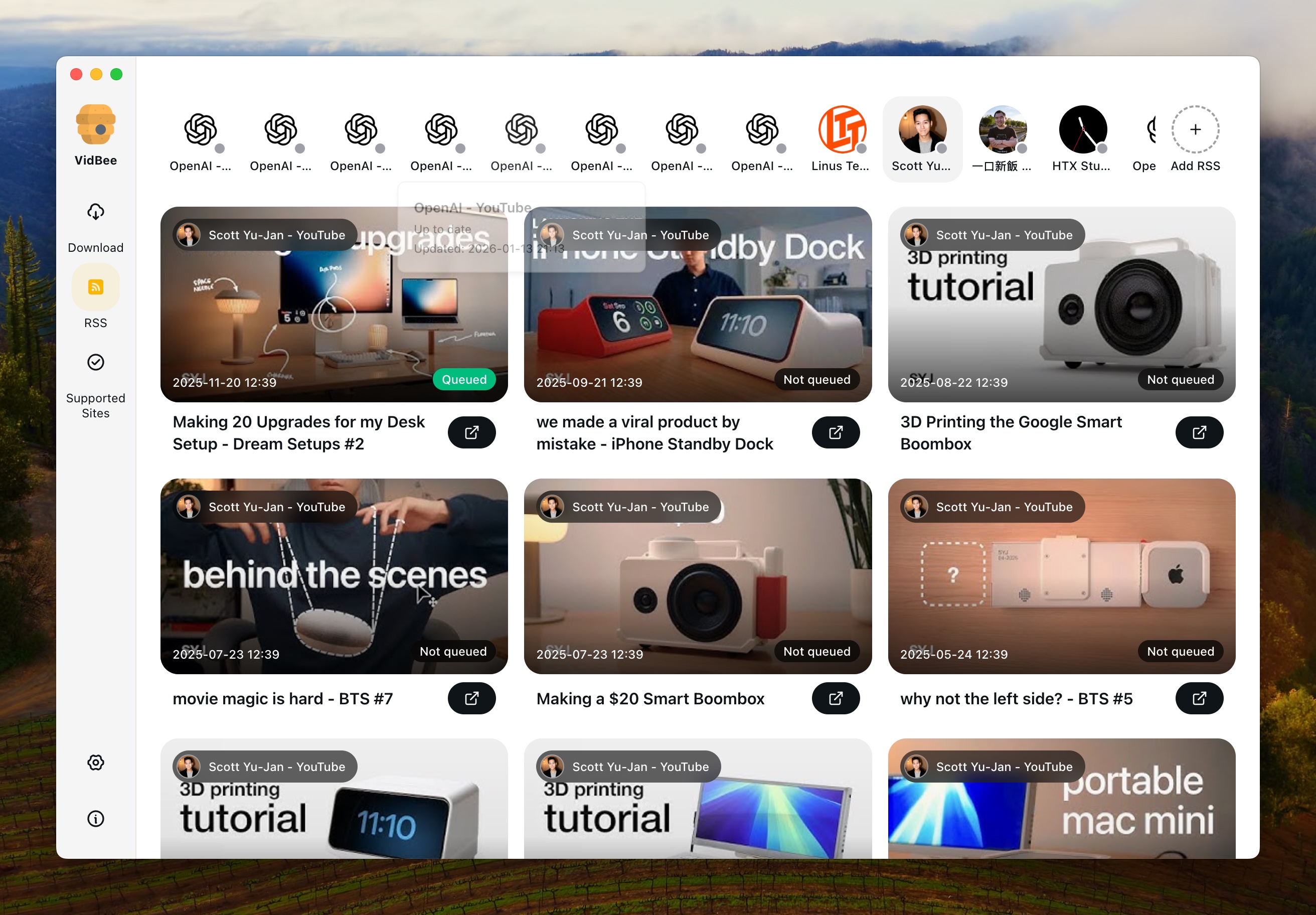
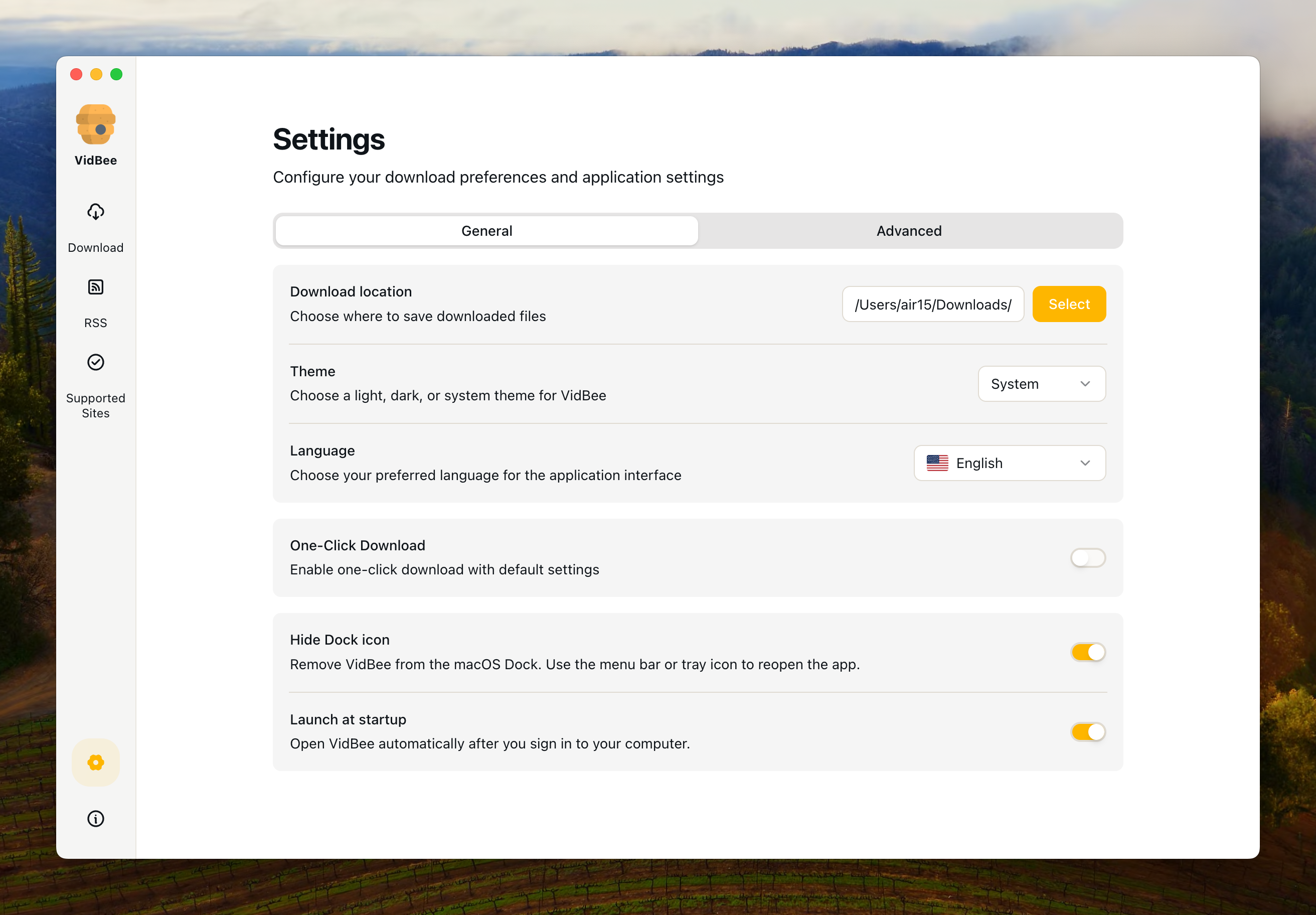
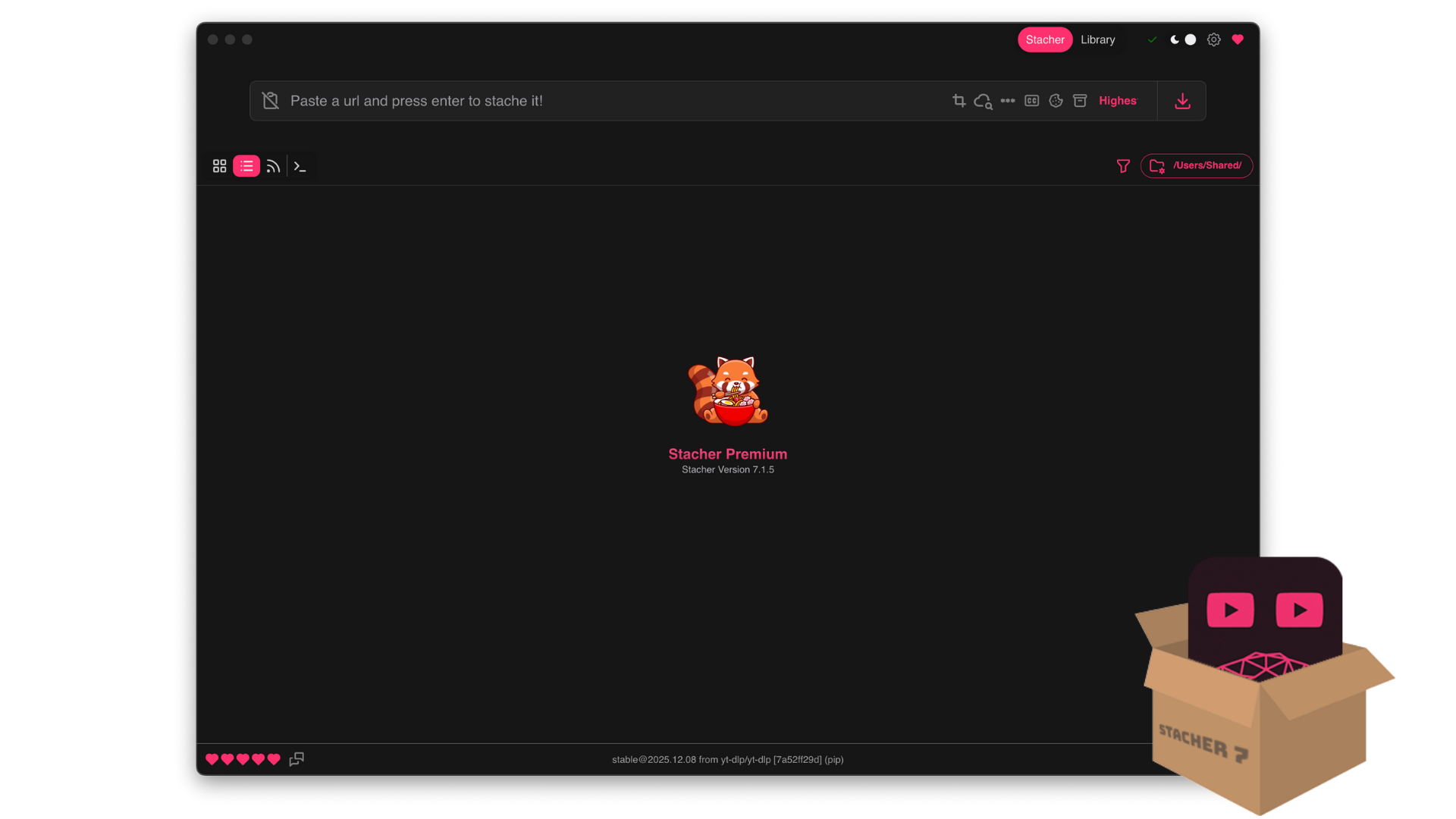
Interface Preview
VidBee
Stacher
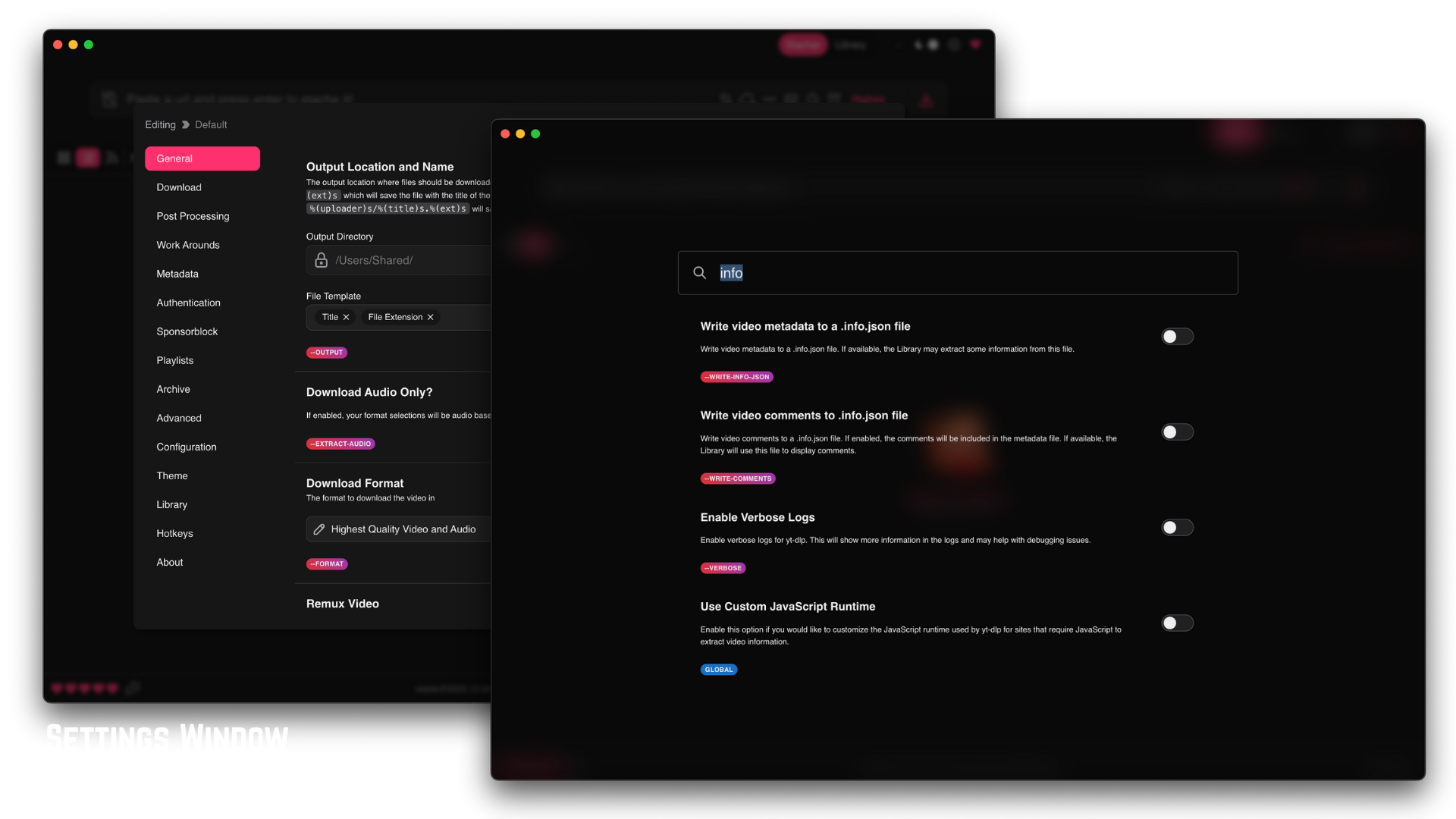
Why choose VidBee over Stacher?
| VidBee | Stacher | |
|---|---|---|
| License and distribution | ||
| License | MIT-licensed desktop project | The checked official page does not publish an open-source license for the app. Free core use does not establish an MIT or GPL license. |
| Desktop systems | Windows, macOS and Linux | Windows, macOS and Debian-based Linux |
| Pricing | Free desktop app | Free core downloader; optional Premium features. Check the official site for current terms. |
| Download workflow | ||
| Workflow | yt-dlp-based downloads, queue review, history, retries and RSS subscriptions | yt-dlp GUI, format controls, subscriptions, video trimming and optional Premium Library. Third-party yt-dlp/FFmpeg installation and management are documented. |
Sources checked
Official sources behind this comparison
Last reviewed: September 30, 2026
Checked against official product pages, releases and license documents on September 30, 2026. This is a feature and source review, not a performance benchmark or an independent recommendation. VidBee publishes this comparison.
Understanding the Key Differences
Stacher: what the official source confirms
Stacher is a desktop yt-dlp GUI for Windows, macOS and Debian-based Linux. Its core downloader is free, with optional Premium features such as Library. Its official feature list includes subscriptions and video trimming. Stacher can install and manage third-party yt-dlp and FFmpeg from their official sources.
Check the task on your own computer
Install from official sources. Use the same permitted video, a small playlist and your preferred output format. Compare completed files, source access, the queue and required dependencies. Source changes can affect both apps.
Privacy and optional AI
VidBee downloads contact the source platform. Local speech models recognize audio on your computer after model installation. Optional AI prompts can send transcript text to the provider you select. Open source does not mean that every feature is offline.
Resources
Stacher comparison FAQ
Is Stacher open source?
The checked official page does not publish an open-source license for the app. Free core use does not establish an MIT or GPL license.
Which systems does Stacher support?
Windows, macOS and Debian-based Linux
How is Stacher priced?
Free core downloader; optional Premium features. Check the official site for current terms.
Which app should I choose?
Compare the official build, license, dependency setup and completed output for your task. This page does not provide a measured speed or reliability ranking.
Is VidBee a good Stacher alternative in 2026?
Yes. VidBee is an open-source desktop yt-dlp GUI with bundled FFmpeg, Linux support, RSS auto-download, and retry-on-failure. It runs on Windows, macOS, and Linux and is free, so it is worth testing if you need more than a lightweight yt-dlp wrapper.
Why does Stacher say 'requested format is not available'?
The error appears when a yt-dlp format preset does not match any stream the source offers, for example a specific YouTube height or codec. In both apps, test an available format. VidBee makes that fallback work visible inside the queue and format controls.
Does Stacher work with FFmpeg?
Stacher's official site says it relies on third-party tools including yt-dlp and FFmpeg, and can install or manage them from official sources. VidBee ships FFmpeg inside the installer, so common merge, audio extraction, and subtitle workflows need less first-run dependency setup.
How do you add subtitles in Stacher?
Stacher exposes yt-dlp subtitle flags: toggle subtitle download, choose a language, and pick embed or SRT. VidBee exposes comparable yt-dlp subtitle options inside its desktop queue and adds multi-language batch subtitle pulls for supported sources.
Why won't Stacher downloads start?
'Stacher download could not start' can come from the same kinds of causes that affect yt-dlp GUI workflows generally: source changes, selected formats, account access, or third-party tool setup. Compare Stacher's official tool-management flow with VidBee's bundled dependency workflow on the URLs you actually use.
Is there a Stacher build for Linux?
Yes. Stacher's official site describes Stacher 7 as a cross-platform yt-dlp GUI for Windows, macOS, and Linux. VidBee also supports those desktop platforms, so Linux users should compare setup, bundled tools, RSS, and queue behavior rather than assume Stacher lacks Linux support.
Can I use Stacher7 on Fedora or Linux?
Stacher's official site lists Linux support. If you use Fedora or another Linux distribution, test Stacher's current Linux package against VidBee's Linux build and compare dependency setup, FFmpeg handling, RSS, and queue history.
How do I change codec in Stacher compared with VidBee?
Stacher codec changes usually depend on yt-dlp format strings and FFmpeg setup. VidBee exposes common format and quality choices in the UI, bundles FFmpeg, and keeps advanced format control available when you need more precision.
Can Stacher download Twitter/X videos like VidBee?
Both tools rely on what yt-dlp can access from the source. VidBee is the workflow to test when you want Twitter/X video downloads inside a broader desktop queue with retries, history, and cross-platform support.
How do Stacher cookies compare with VidBee cookies?
Stacher exposes cookie-based access through yt-dlp settings. VidBee keeps authenticated access in a clearer desktop workflow, so users can work with content they are allowed to access while keeping queues, folders, and retries visible.
What software is like Stacher but with more features?
Software like Stacher usually means a simple yt-dlp GUI for casual downloads. VidBee starts from the same broad concept and emphasizes bundled FFmpeg, RSS auto-download, batch retries, persistent history, and one workflow across Windows, macOS, and Linux.
Which yt-dlp GUI on Mac fits which workflow?
Both are useful free yt-dlp GUIs on macOS. Stacher is lighter for single-video saves. VidBee fits users who need queue review, subtitle export, RSS auto-download, and cross-platform use with Windows and Linux.
Are Stacher and VidBee free?
Both are free to download and use for the core downloader workflow. Stacher's official site also offers optional Premium features. VidBee is MIT-licensed open source, with code and license text available on GitHub.
It's time to switch to VidBee
Completely free video downloader. No registration or account required.
Completely free. No registration or account required.