MIT-licensed desktop project
VidBee publishes its desktop source under the MIT License. The official v2.1.0 release provides Windows, macOS and Linux packages. Check the release and dependency licenses for the version you install.
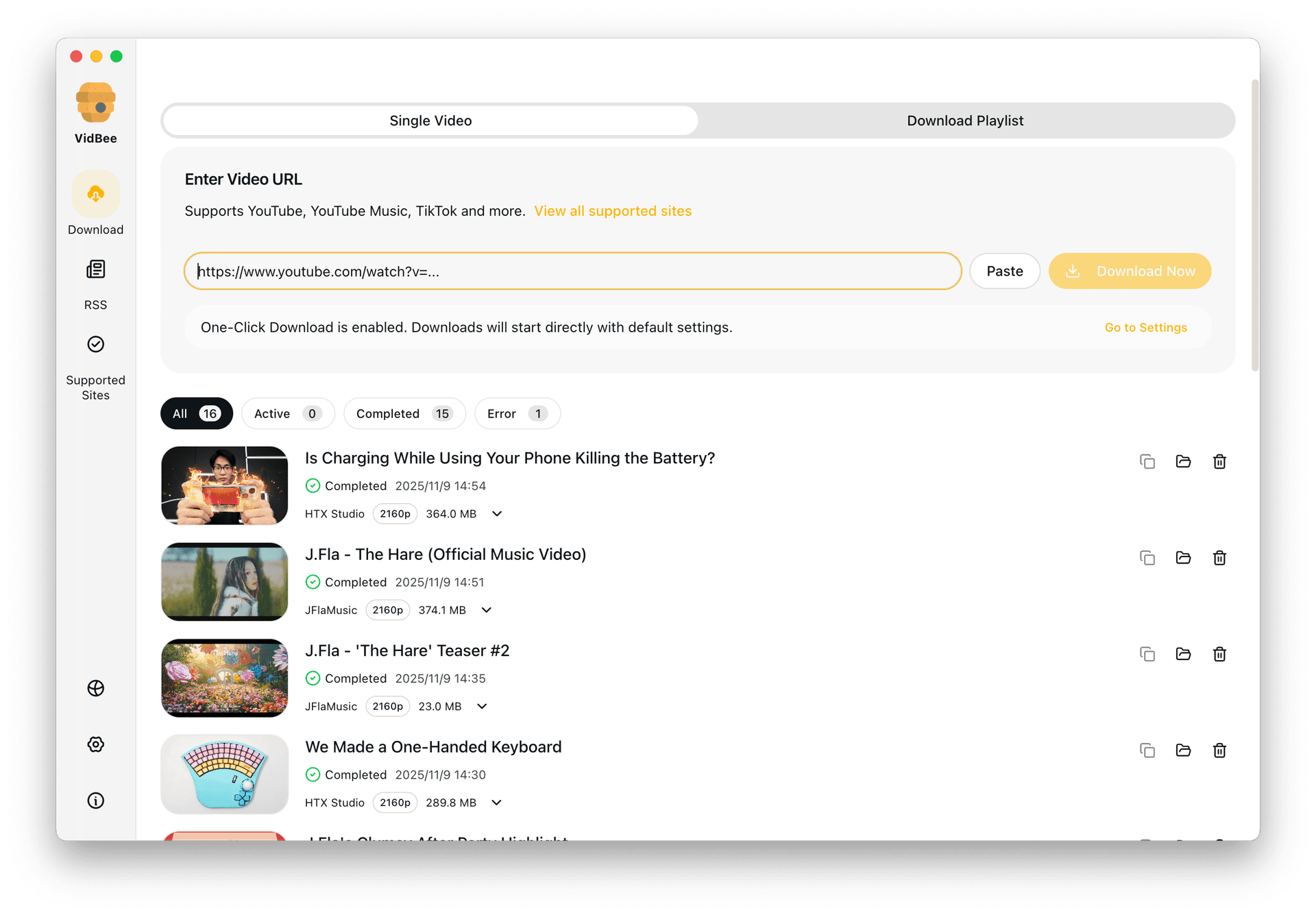
Use a free, inspectable desktop downloader. Save videos locally, then create searchable transcripts on your computer and ask AI, instead of relying on closed-source apps or fragile browser sites.
Completely free. No registration or account required.
Trust, portability, and long-term control matter. An open desktop app gives you a cleaner workflow than disposable web downloaders.
Install the app, paste the links, and run the download locally without jumping through ad-heavy browser pages.
Set up VidBee on macOS, Windows, or Linux with the bundled tools ready to use.
Queue one video or a larger batch without extra extensions or browser hacks.
Keep the files on your own machine with full visibility into the workflow.
Open source describes the code license; it does not establish every privacy or performance claim.
VidBee publishes its desktop source under the MIT License. The official v2.1.0 release provides Windows, macOS and Linux packages. Check the release and dependency licenses for the version you install.
Downloading contacts the source platform. Local speech recognition runs on your computer after model installation. Optional AI prompts send text to the provider you enable. Open source does not mean every feature works offline or never uses a network.
Parabolic also publishes an MIT license. Stacher offers a free core downloader and optional Premium features; free use is not proof of an open-source license.

Save playlists, channels, and search results from YouTube in high quality. Download YouTube Watch Later, Liked videos, and private YouTube playlists.
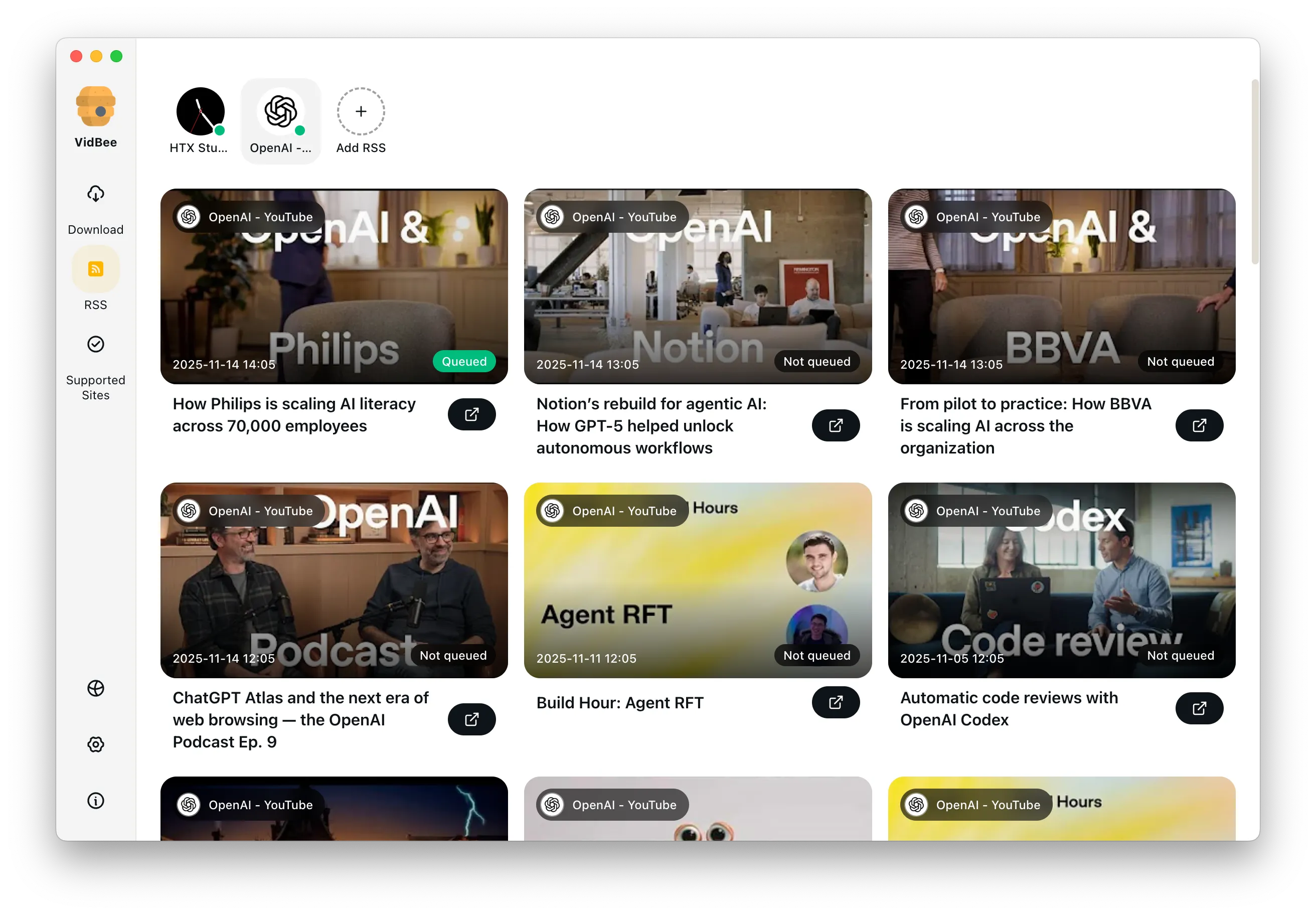

Download annotations and subtitles along with YouTube videos. Save them in SRT format and choose from 50+ languages.
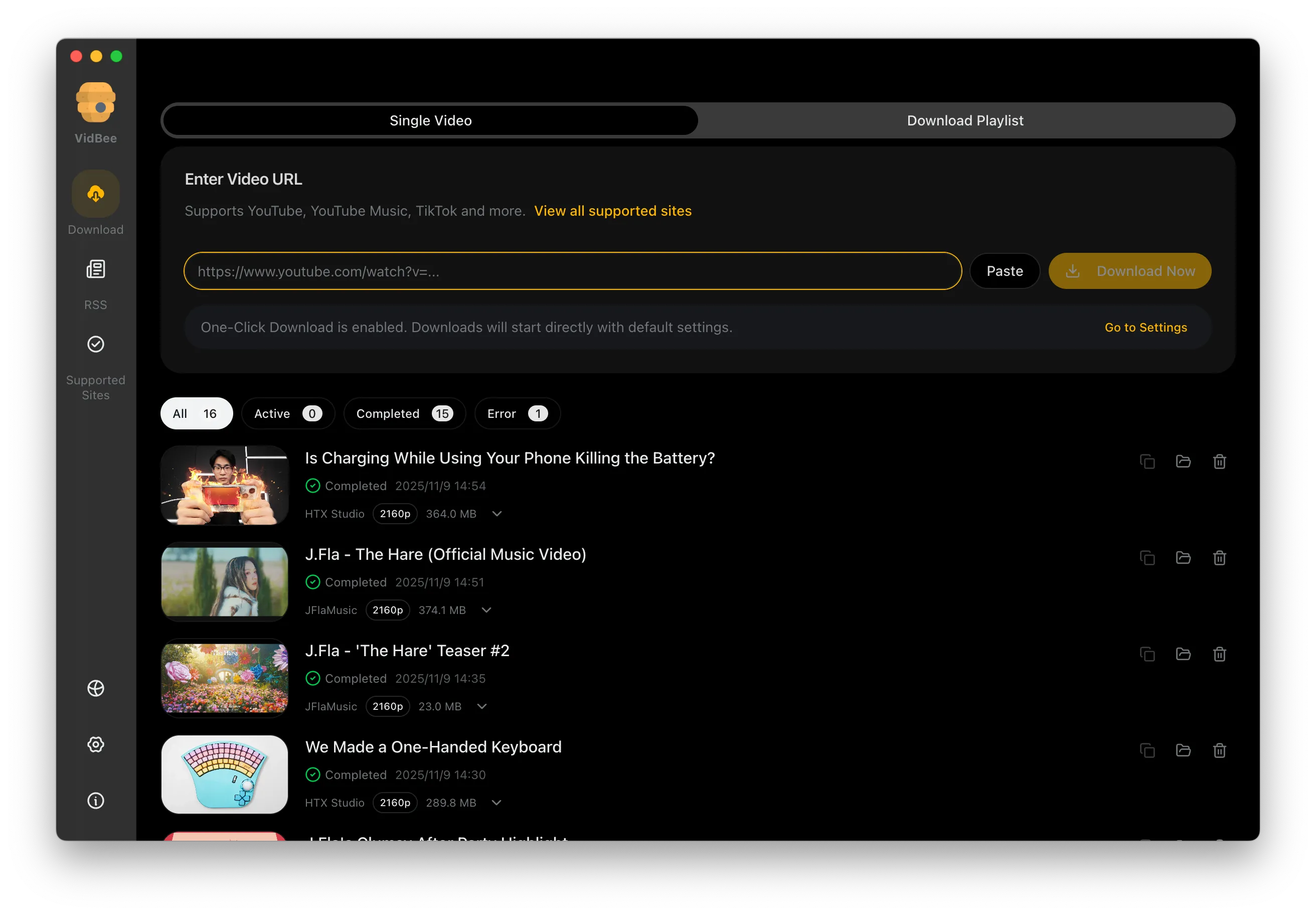

Download videos in HD 720p, 1080p, 4K, and 8K resolution. Enjoy high definition on any device.
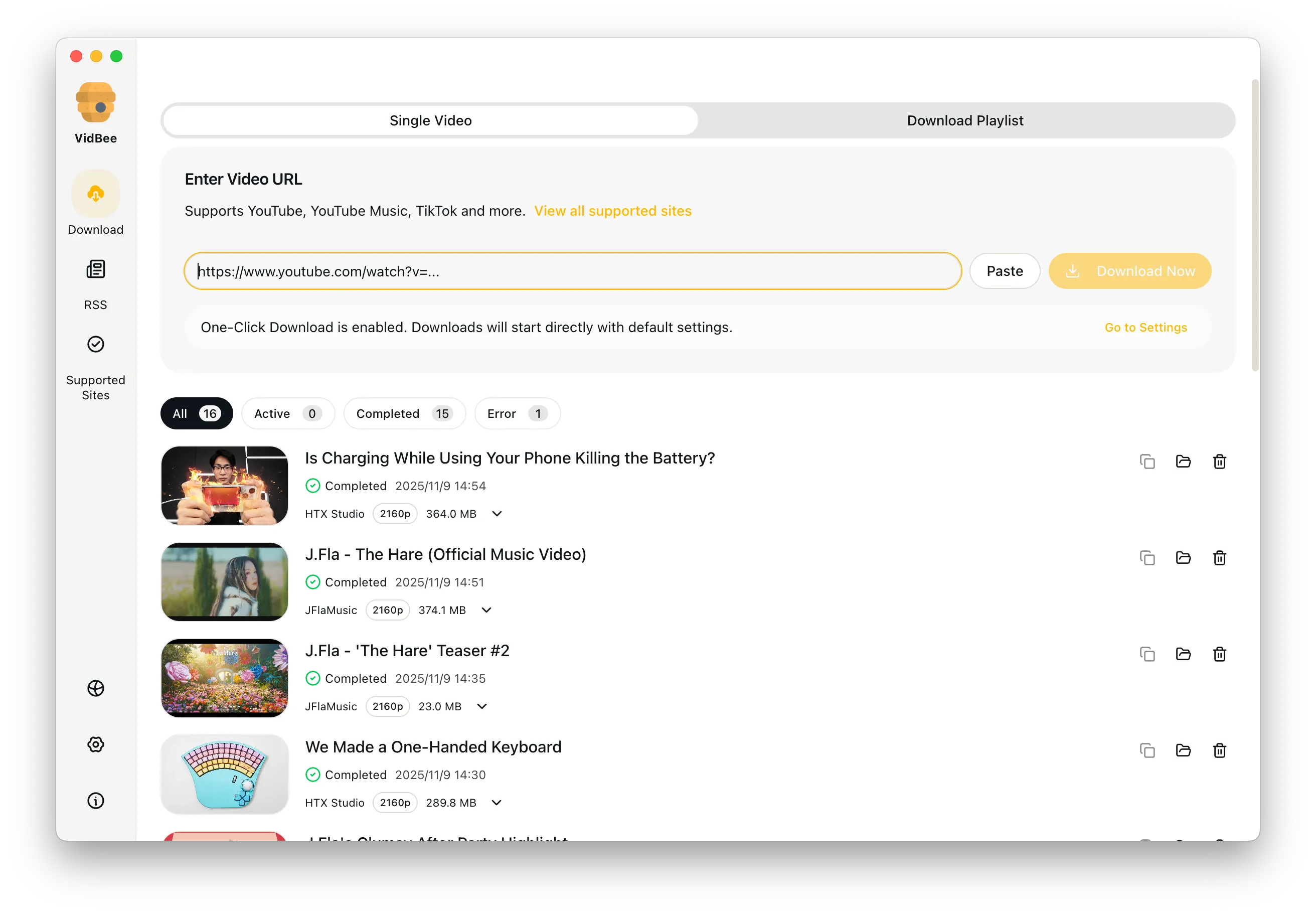
Common answers for transparency, cross-platform support, and why desktop queues beat fragile web tools.
Yes. VidBee is free with no registration or account, and its source code is published under the MIT license in the nexmoe/VidBee GitHub repository, so anyone can inspect, build, or fork it.
VidBee gives you a local, inspectable workflow that stays practical for both single files and larger queues. Completely free, with no registration or account required.
Only download content that is publicly accessible and that you have the right to use. Respect copyright and each platform's terms of service.