VidBee vs. Parabolic

Compare the key features of VidBee and Parabolic.

Completely free. No registration or account required.

Quick verdict

VidBee and Parabolic are both free, open-source yt-dlp front ends for Windows, macOS, and Linux. Parabolic is a polished desktop GUI with GNOME and WinUI interfaces, concurrent downloads, metadata and subtitle support, and browser extensions that send links to the app. VidBee is the option to test when you want bundled yt-dlp and FFmpeg, persistent queue history, RSS subscriptions, Docker deployment, and one Electron workflow across every desktop you use.

Which one should you choose?

Choose VidBee if you want

  • An MIT-licensed open-source desktop app with bundled yt-dlp and FFmpeg.
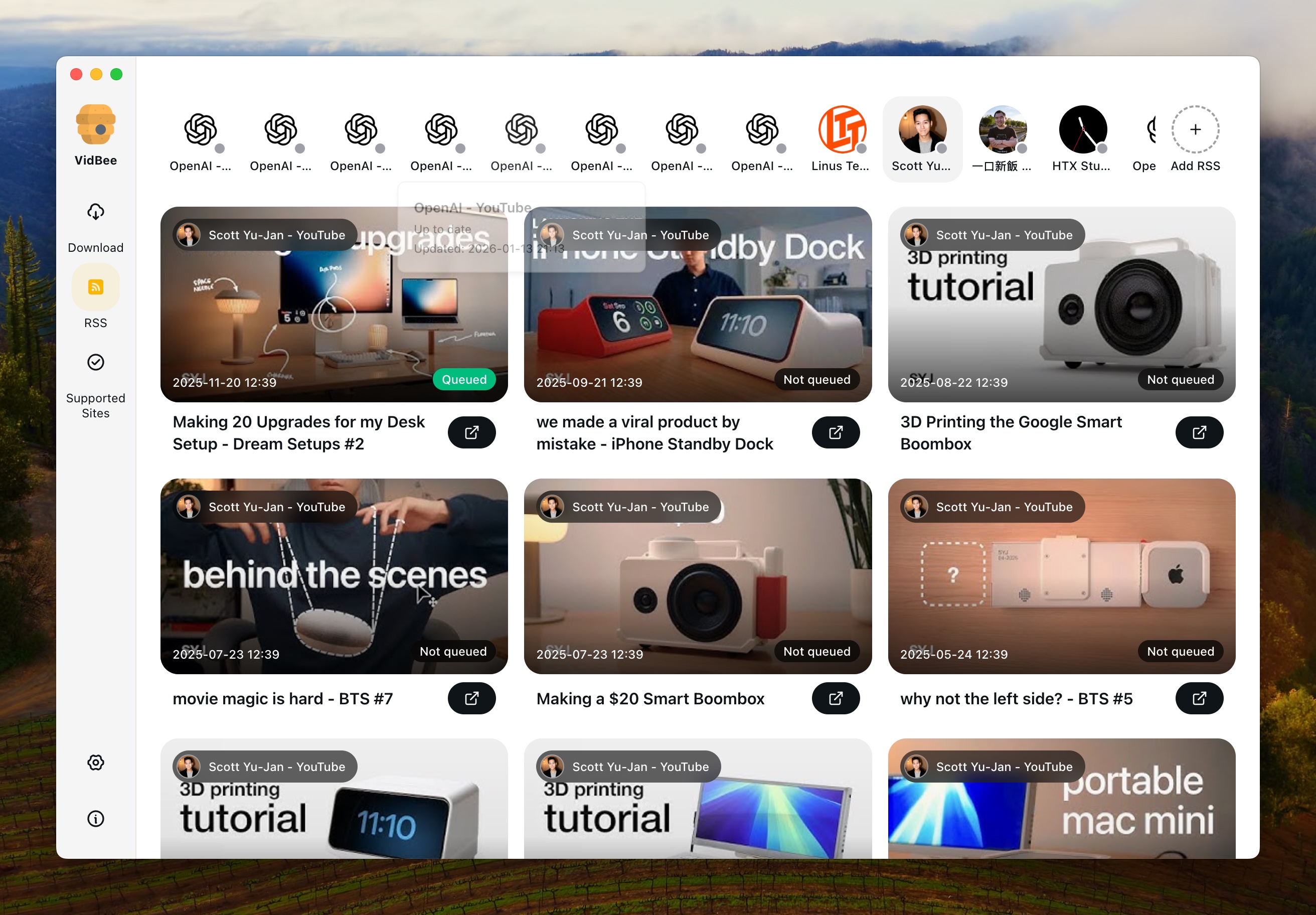
  • RSS subscriptions, queue history, retries, and repeat channel archiving.
  • The same Electron downloader workflow on Windows, macOS, and Linux.
  • Docker or self-hosted web/API options beyond a single desktop GUI.

Choose Parabolic if you want

  • A native-feeling yt-dlp GUI with GNOME on Linux and WinUI on Windows.
  • Concurrent downloads with a clean add-download flow for quick saves.
  • Firefox or Chromium extensions that send the active tab to the desktop app.
  • A lightweight open-source tool when RSS automation and Docker are not priorities.

How to evaluate VidBee vs Parabolic

Desktop UI and packaging

VidBee

VidBee uses one Electron interface across Windows, macOS, and Linux, which makes cross-platform habits easier to document for a team.

Parabolic

Parabolic ships platform-native shells: GNOME with GTK4 on Linux and WinUI on Windows, plus macOS bundles from GitHub Releases.

What to test

Install both apps on the desktops you actually use and compare window behavior, dark mode, add-download dialogs, and whether the UI feels native or consistent.

Setup and bundled tooling

VidBee

VidBee bundles yt-dlp and FFmpeg in the installer so common merge, audio-only, and subtitle workflows start without separate dependency setup.

Parabolic

Parabolic is a yt-dlp frontend with release assets for Windows, macOS, and Flathub on Linux; dependency behavior should be checked on your target OS.

What to test

Run one high-resolution video, one audio-only export, and one subtitle workflow. Note whether either app needs manual FFmpeg or yt-dlp management.

Queues, concurrency, and repeat work

VidBee

VidBee emphasizes persistent queues, history, retries, and RSS-driven repeat downloads for channel and playlist archives.

Parabolic

Parabolic supports concurrent downloads and playlist-style jobs through its yt-dlp GUI, but RSS auto-queue is not presented in the official README checked.

What to test

Paste a playlist or small URL batch, run multiple downloads at once in Parabolic, then test whether VidBee's queue history and RSS subscriptions reduce manual repeat work.

Browser-to-desktop handoff

VidBee

VidBee supports a `vidbee://` protocol and browser-oriented flows documented on vidbee.org for sending links into the desktop app.

Parabolic

Parabolic offers Firefox and Chromium extensions that send the active tab or a right-clicked link to the desktop app, including an Alt+P shortcut on Firefox.

What to test

From your browser, send the same public URL through each tool's extension or protocol flow and confirm the download starts with your preferred format preset.

Ownership and update path

VidBee

VidBee is MIT-licensed with source, releases, and issue history on GitHub.

Parabolic

Parabolic is also MIT-licensed on GitHub, with Linux builds on Flathub and desktop installers published through GitHub Releases.

What to test

Review each project's license, release channel, and update path. Prefer GitHub Releases or Flathub over third-party mirrors when installing Parabolic.

Interface Preview

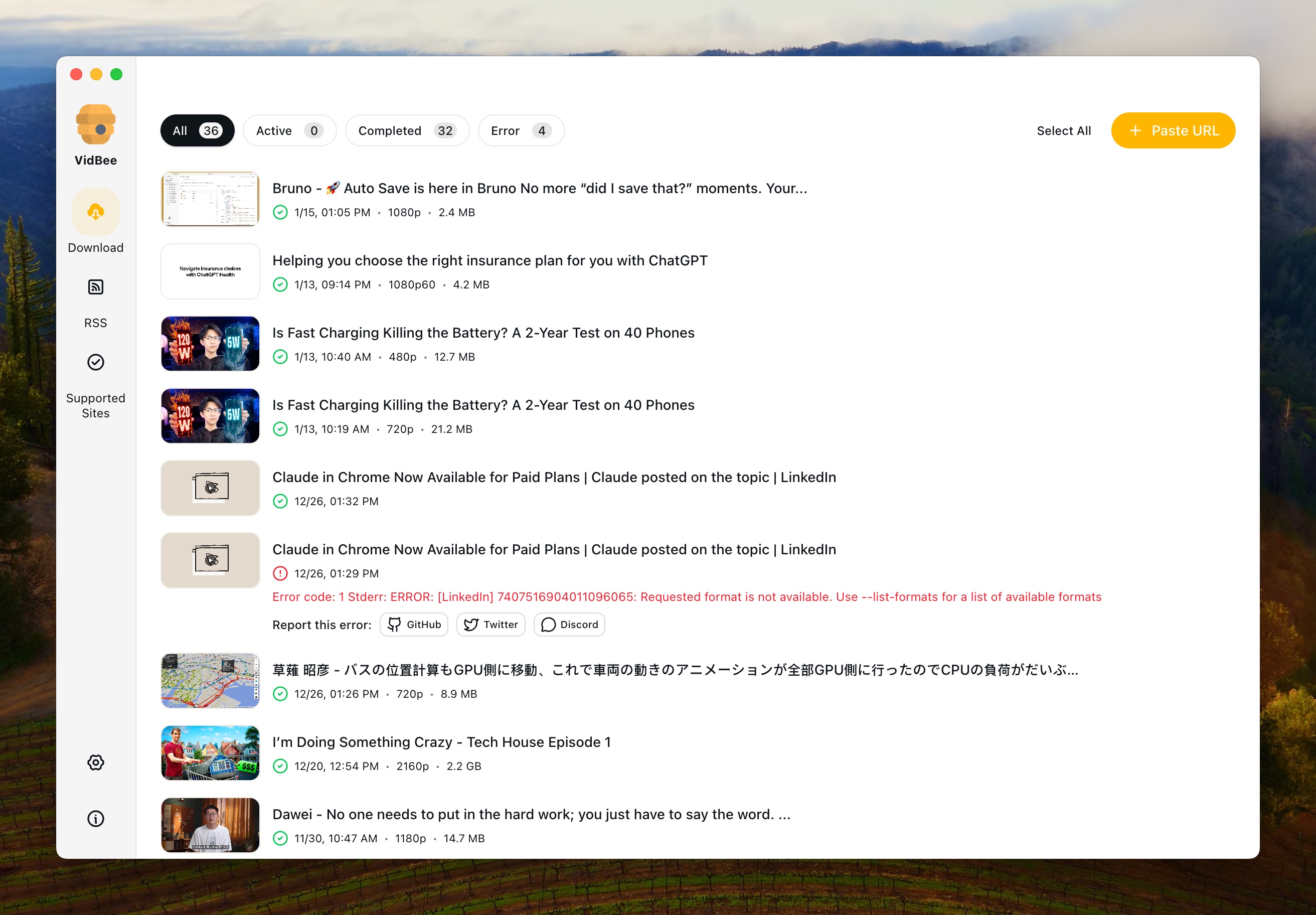
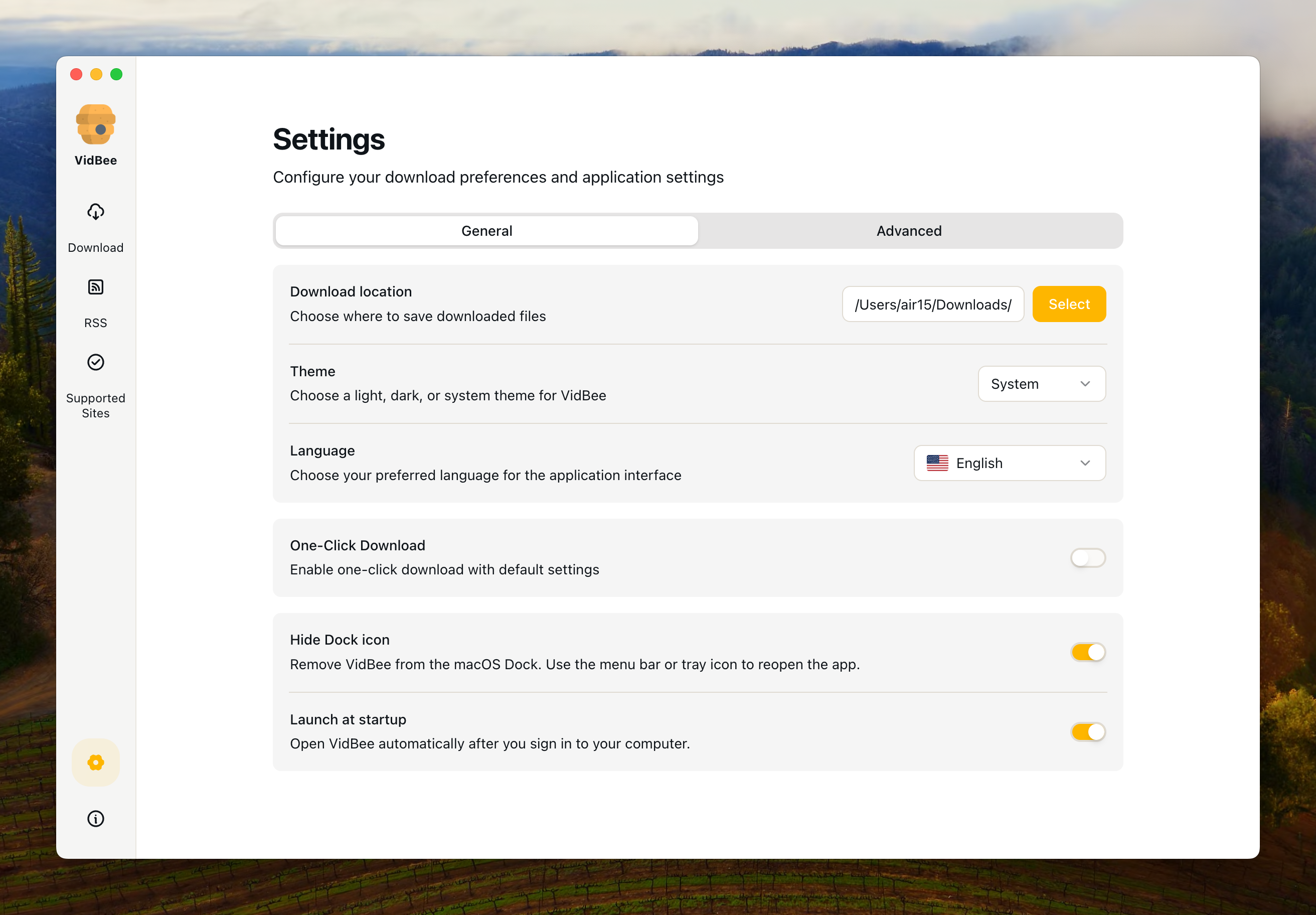
VidBee

VidBee Interface Preview

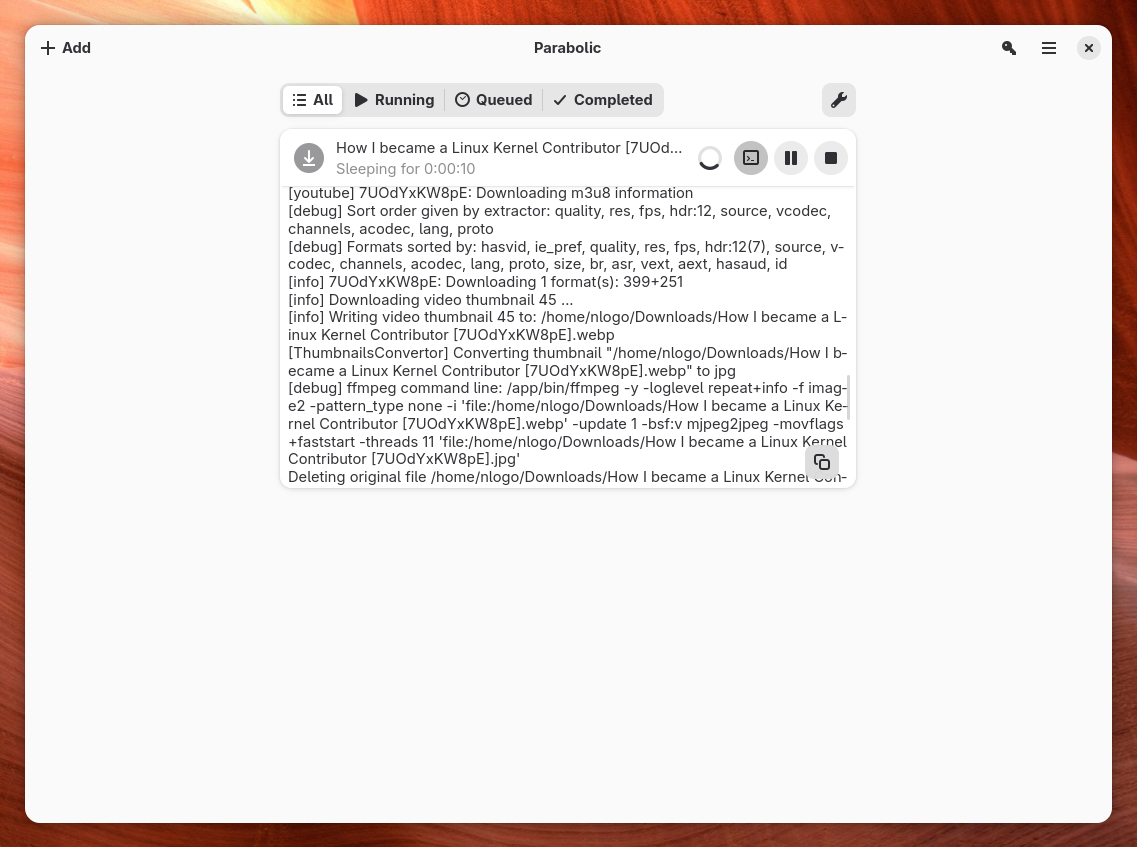
Parabolic

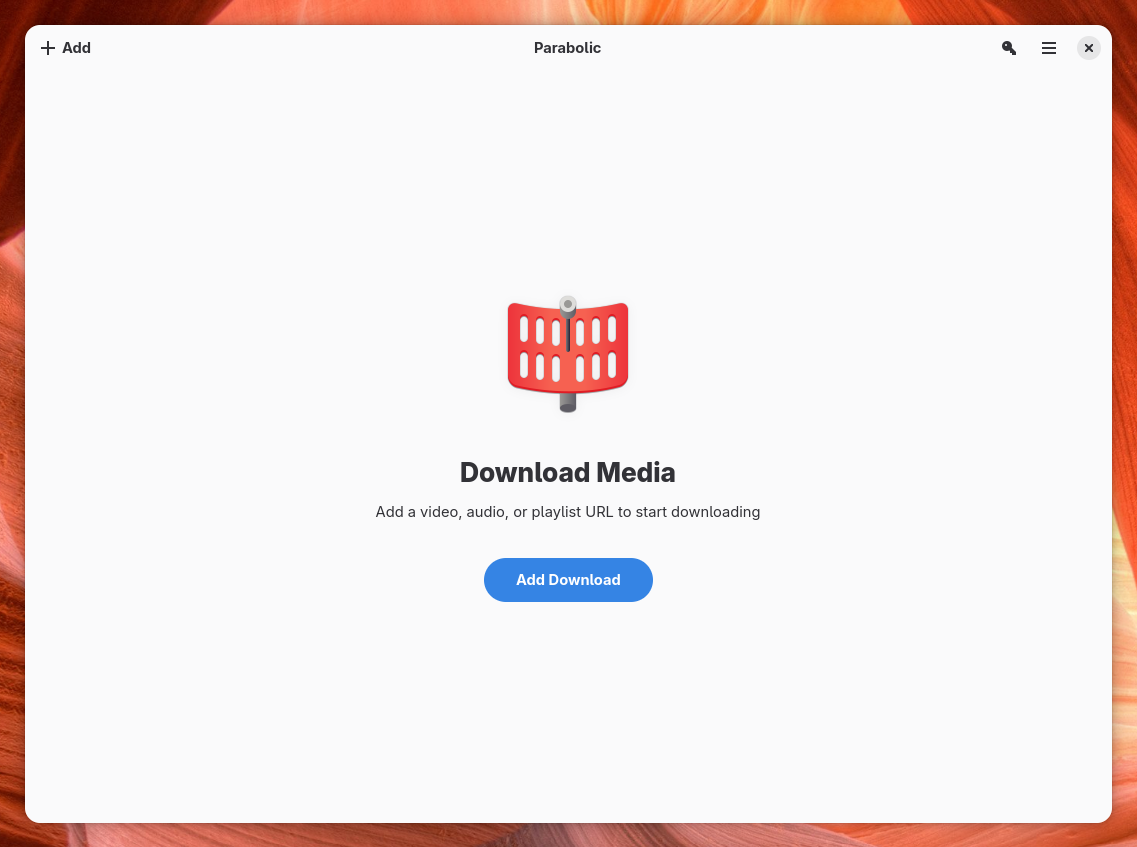
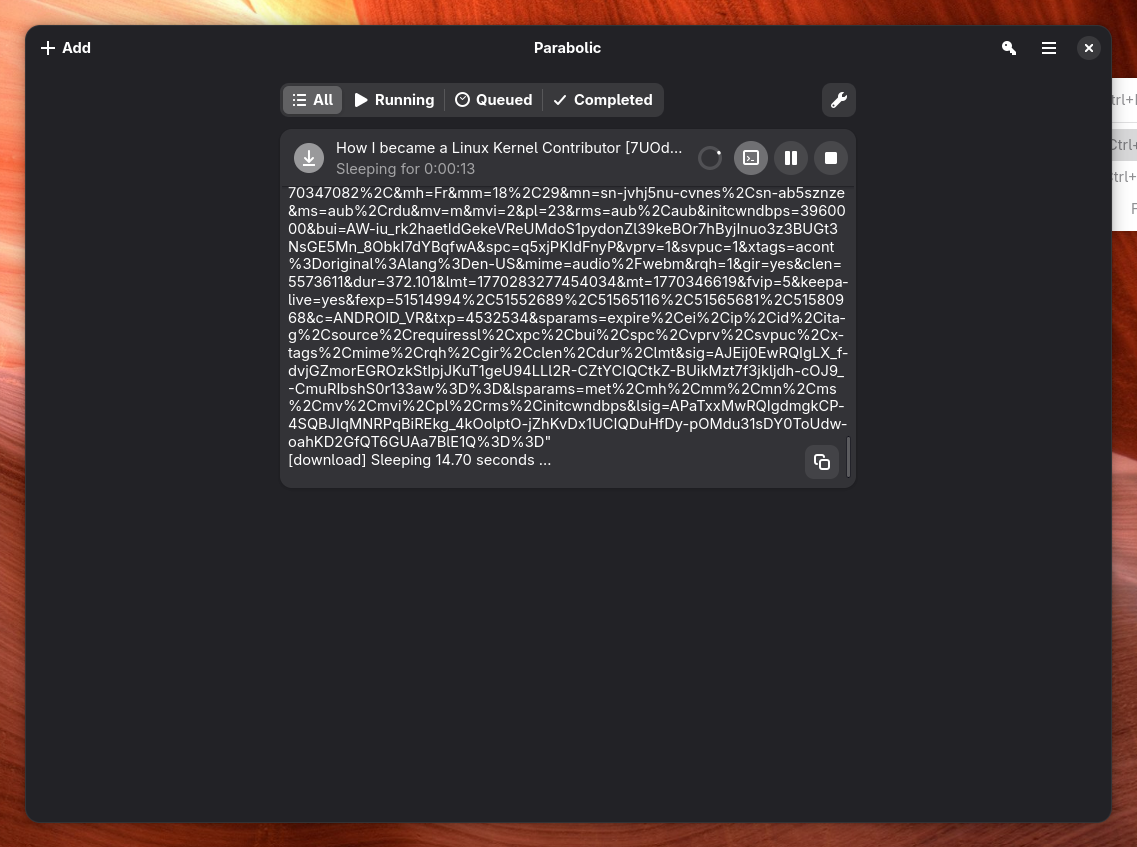
Parabolic Interface Preview

Why choose VidBee over Parabolic?

VidBee Parabolic
Platform & Setup
Windows Support
macOS Support
Linux Support
Desktop UI Style Electron app with the same UI across Windows, macOS, and Linux GNOME (GTK4) on Linux, WinUI on Windows, and macOS app bundles from GitHub Releases
Primary Install Path Official download page and GitHub releases GitHub Releases for Windows and macOS; Flathub (`org.nickvision.tubeconverter`) on Linux
yt-dlp Engine & Tooling
yt-dlp Frontend Desktop GUI built on yt-dlp Official README describes Parabolic as a powerful yt-dlp frontend
FFmpeg Bundled Uses yt-dlp and FFmpeg-style workflows; verify bundled dependency behavior per release
Site Coverage 1,000+ sites via bundled yt-dlp Hundreds of sites through yt-dlp, per official README link to supported sites
Download Workflow
Single Video Downloads
Playlist or Batch Downloads Playlist and batch jobs through the yt-dlp GUI; test large queues directly
Concurrent Downloads Queue-based desktop workflow Official README lists multiple downloads at the same time
Queue History and Retries Persistent queue, history, pause, resume, and retry controls Desktop download list; test history and retry behavior on your URLs
RSS Auto-download RSS is not presented as a core workflow in the official README checked
Browser Extension Handoff `vidbee://` protocol and documented browser flows Firefox add-on and Chromium extension in the official repository
Quality & Formats
Video Formats MP4, MKV, WebM, and yt-dlp format presets mp4 and webm listed in the official README
Audio Formats Audio extraction through the desktop queue mp3, opus, flac, and wav listed in the official README
Subtitle Export Official README lists metadata and video subtitle support
Metadata Download
Automation & Deployment
Docker or Self-hosted Web UI Not presented in Parabolic official materials checked
Cross-desktop Workflow Consistency One Electron workflow across Windows, macOS, and Linux Platform-native shells per OS; test each desktop you use
Ownership & Cost
License Model MIT open-source desktop app MIT license on the official GitHub repository
Pricing Free Free

Sources checked

Official sources behind this comparison

Last reviewed: June 17, 2026

This comparison uses VidBee official materials plus Parabolic's GitHub repository, Flathub listing, Nickvision product page, and Firefox extension page checked on June 17, 2026. It focuses on documented platform support, yt-dlp workflow, concurrency, browser handoff, RSS boundaries, and ownership. It does not claim either tool is faster, safer, or more reliable without controlled testing.

Understanding the Key Differences

Is VidBee a good Parabolic alternative?

Yes, when your workflow needs more than a desktop yt-dlp GUI. VidBee is a free MIT-licensed downloader with bundled yt-dlp and FFmpeg, queue history, RSS subscriptions, and optional Docker deployment. Parabolic remains a strong choice when you want a native GNOME or WinUI interface, concurrent downloads, and browser extensions without needing RSS or self-hosted automation.

What is Parabolic?

Parabolic is an open-source yt-dlp front end from Nickvision. Official materials describe video and audio downloads in mp4, webm, mp3, opus, flac, and wav, concurrent downloads, metadata and subtitle support, and browser extensions that send URLs to the desktop app. Linux users typically install it from Flathub; Windows and macOS builds are published on GitHub Releases.

Does Parabolic work on Mac?

Yes. The official GitHub Releases checked on June 17, 2026 include macOS app bundles for x64 and arm64. VidBee also supports macOS, so Mac users should compare UI style, queue behavior, subtitles, and whether they need RSS or Docker rather than assuming one app lacks Mac support.

Does Parabolic support playlists and concurrent downloads?

Parabolic's official README highlights concurrent downloads and yt-dlp-backed site support, which covers playlist-style jobs in practice. VidBee adds persistent queue review, history, retries, and RSS subscriptions for users who treat downloads as ongoing archives. Test the same playlist in both apps before deciding.

Does Parabolic have RSS auto-download?

RSS auto-queue is not presented as a core Parabolic workflow in the official README checked for this page. VidBee documents RSS subscriptions that can auto-queue new feed items. If unattended channel monitoring matters, test VidBee's RSS flow directly.

Parabolic vs VidBee for yt-dlp GUI users

Both apps sit in the yt-dlp GUI category. Parabolic fits users who want a polished native desktop shell, concurrent downloads, and browser-to-app handoff. VidBee fits users who want bundled FFmpeg, cross-platform Electron consistency, queue and RSS automation, and optional Docker deployment. Neither replaces lawful access rules or upstream extractor limits.

Which tool fits parabolic youtube downloader searches?

People searching for a Parabolic YouTube downloader usually want a desktop yt-dlp GUI for YouTube saves, playlists, subtitles, or audio extraction. Parabolic covers that through its yt-dlp frontend. VidBee covers the same yt-dlp base while adding RSS, queue history, and bundled tooling for users who outgrow one-off saves.

Common Parabolic comparison scenarios

You want a native GNOME or WinUI yt-dlp GUI

Parabolic may be enough

If you mainly want a clean yt-dlp front end with concurrent downloads and platform-native desktop chrome, Parabolic is a strong fit on Linux and Windows.

You archive channels or playlists every week

Test VidBee first

VidBee's RSS subscriptions, persistent queue history, and retry-oriented workflow are designed for repeat archiving rather than one-off saves.

You send links from Firefox all day

Test Parabolic's extension

Parabolic's Firefox add-on can hand off the active tab with Alt+P. Compare that flow with VidBee's protocol and desktop queue behavior on the same URLs.

You need Docker or a home-server UI

Test VidBee

Parabolic's official materials describe a desktop yt-dlp GUI, not a Docker or self-hosted web/API deployment. VidBee documents Docker for NAS and home-server workflows.

Limits and caveats

VidBee caveats

  • VidBee's installer is larger because yt-dlp and FFmpeg are bundled for a more complete first-run setup.
  • VidBee is not a DRM bypass tool and should only be used for content you are allowed to access and download.
  • Users who prefer GNOME or WinUI native chrome may find Electron less familiar than Parabolic's platform shells.

Parabolic caveats

  • Parabolic is a strong desktop yt-dlp GUI, but RSS auto-queue, Docker, and protocol automation are not presented as core workflows in the official README checked.
  • Install Parabolic from GitHub Releases or Flathub; nickvision.org download links may lag the latest GitHub release.
  • Queue depth, retry behavior, and dependency update UX should be tested directly rather than assumed from feature tables.

Pre-switch test

Test before replacing Parabolic

Run the same public, permitted examples in both apps before changing your daily downloader workflow.

  1. Check 1 Install VidBee and Parabolic from official sources linked on this page.
  2. Check 2 Download the same public single-video URL in both apps with your preferred quality preset.
  3. Check 3 Run a small playlist or batch and, in Parabolic, try concurrent downloads if that matches your routine.
  4. Check 4 Test subtitles, audio-only export, and output-folder naming on the same source.
  5. Check 5 Send one URL from the browser through Parabolic's extension and VidBee's protocol or paste flow.
  6. Check 6 Check whether VidBee queue history, retries, and RSS subscriptions reduce manual repeat work.
  7. Check 7 Use only content you are allowed to access and download.

How to evaluate switching from Parabolic

1

List your Parabolic habits

Write down the formats, subtitle settings, concurrent download patterns, and browser-extension flows you use in Parabolic before testing VidBee.

2

Test the same URLs in VidBee

Install VidBee, paste representative single-video, playlist, and subtitle-heavy URLs, and compare queue history, retries, and bundled FFmpeg behavior.

3

Move repeat work into RSS or queues

If VidBee passes your tests, migrate channel or playlist archiving into VidBee queues or RSS subscriptions while keeping Parabolic for any native-UI workflow you still prefer.

Resources

Parabolic comparison FAQ

Is VidBee a free alternative to Parabolic?

Yes. VidBee is a free MIT-licensed open-source desktop downloader. Parabolic is also free and MIT-licensed. Choose Parabolic for a native GNOME or WinUI yt-dlp GUI with browser extensions; choose VidBee when bundled FFmpeg, RSS, queue history, and Docker matter more.

Does Parabolic work on Windows, macOS, and Linux?

Yes. Official materials checked on June 17, 2026 list Windows and macOS builds on GitHub Releases and Linux distribution through Flathub. VidBee also supports all three desktop platforms with one Electron workflow.

Does VidBee include yt-dlp and FFmpeg?

Yes. VidBee bundles yt-dlp and FFmpeg in the desktop installer so common merge, audio-only, and subtitle workflows do not require separate first-run dependency setup.

Which tool fits playlists, queues, and RSS?

Use VidBee when playlists, persistent queue review, retries, download history, and RSS subscriptions are part of your routine. Use Parabolic when a desktop yt-dlp GUI with concurrent downloads is enough and RSS automation is not required.

Does Parabolic have a browser extension?

Yes. Parabolic publishes a Firefox add-on and Chromium extension in its official repository that send URLs to the installed desktop app. VidBee documents a `vidbee://` protocol and browser-oriented flows for a similar handoff.

Can VidBee replace Parabolic for every use case?

No. Parabolic can still be preferable when you want its GNOME or WinUI interface, concurrent download flow, or existing extension habits. VidBee is stronger when RSS, bundled tooling, queue history, and Docker or self-hosted deployment are part of the job.

It's time to switch to VidBee

Completely free video downloader. No registration or account required.

Completely free. No registration or account required.