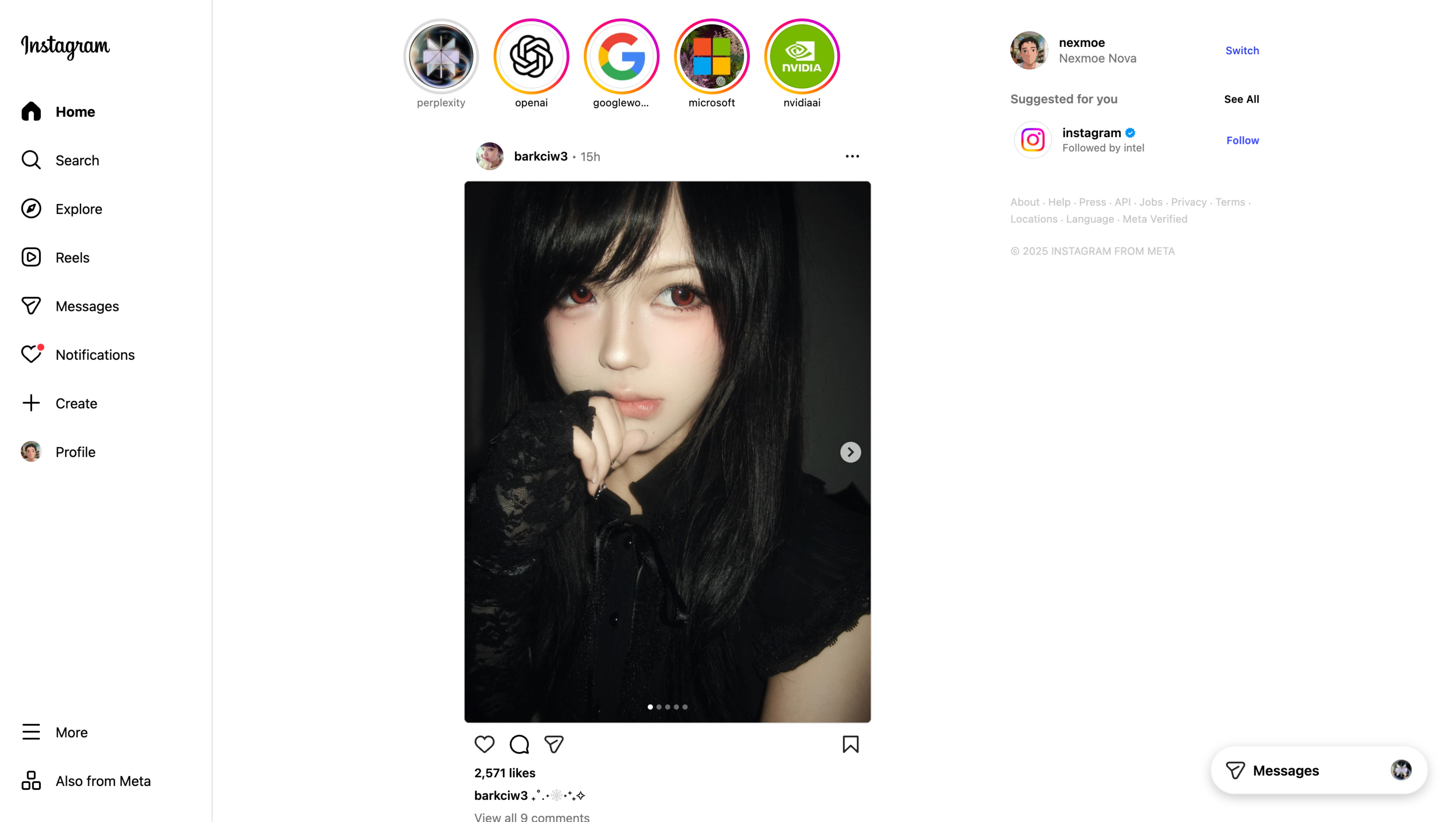
Instagram Reels Downloader
Keep Instagram Reels locally for content research, edit references, or offline review without depending on one-off websites.
Completely free. No registration or account required.
Why Reel collection gets repetitive fast
Collecting references one link at a time is slow. VidBee helps you queue, save, and organize Reels in a cleaner desktop flow.
- Reel download sites are cluttered with ads
- Reference clips end up scattered across folders
- Saving multiple Reels is too repetitive
- Creative teams need local files, not bookmarks only
Download Instagram Reels in 3 steps
Paste the Reel, add more references if needed, and save everything into folders that are easier to revisit later.
- 1
Copy the Reel URL
Open the post you want on Instagram and copy its direct link.
- 2
Queue the Reel in VidBee
Paste the link into the app and add more Reels if you are building a bigger reference board.
- 3
Save and organize locally
Download the files into a folder structure that is easier to review later.
Download Videos

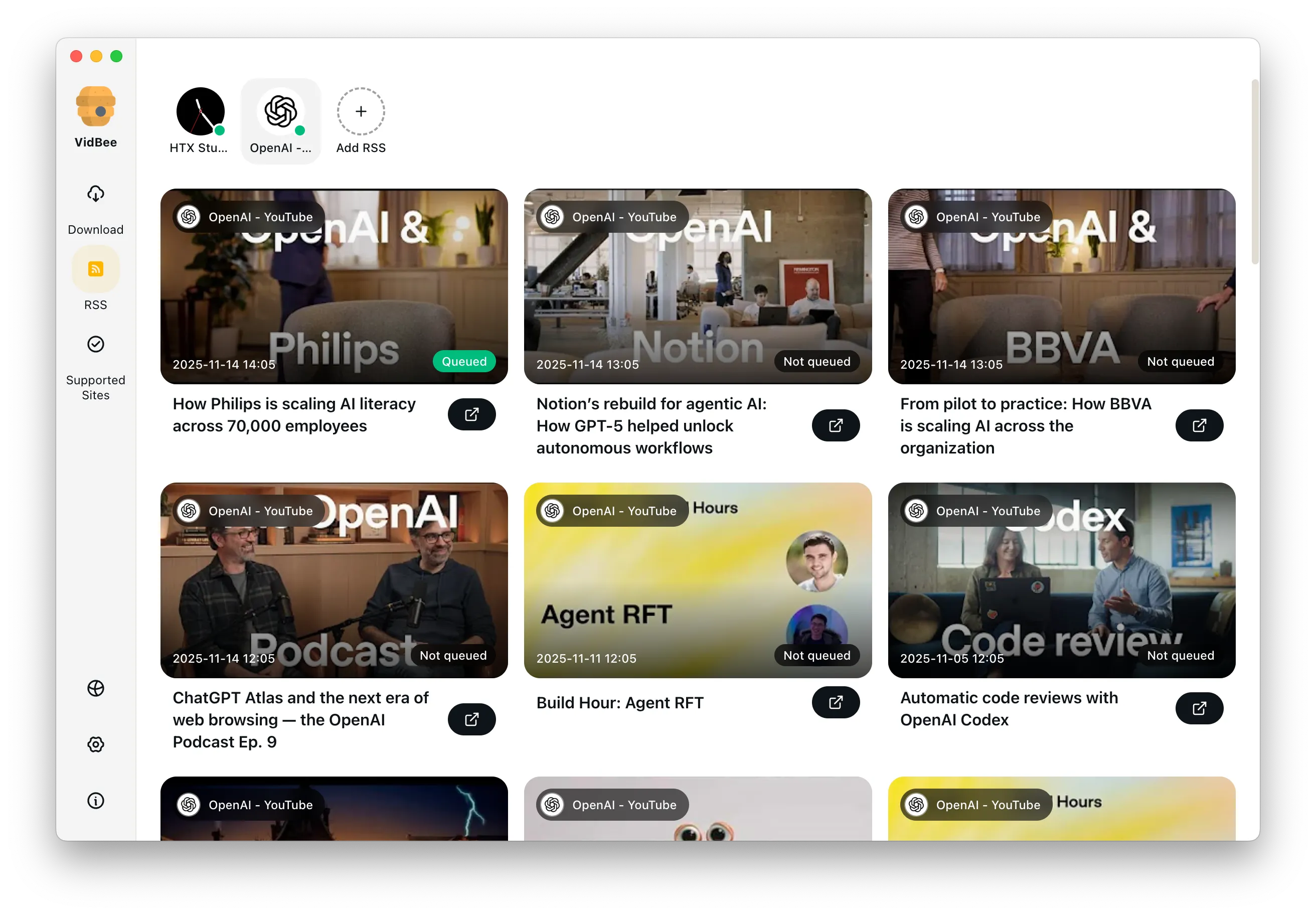
Download YouTube Playlists, Channels, and Search Results
Save playlists, channels, and search results from YouTube in high quality. Download YouTube Watch Later, Liked videos, and private YouTube playlists.

Extract YouTube Subtitles
Download annotations and subtitles along with YouTube videos. Save them in SRT format and choose from 50+ languages.
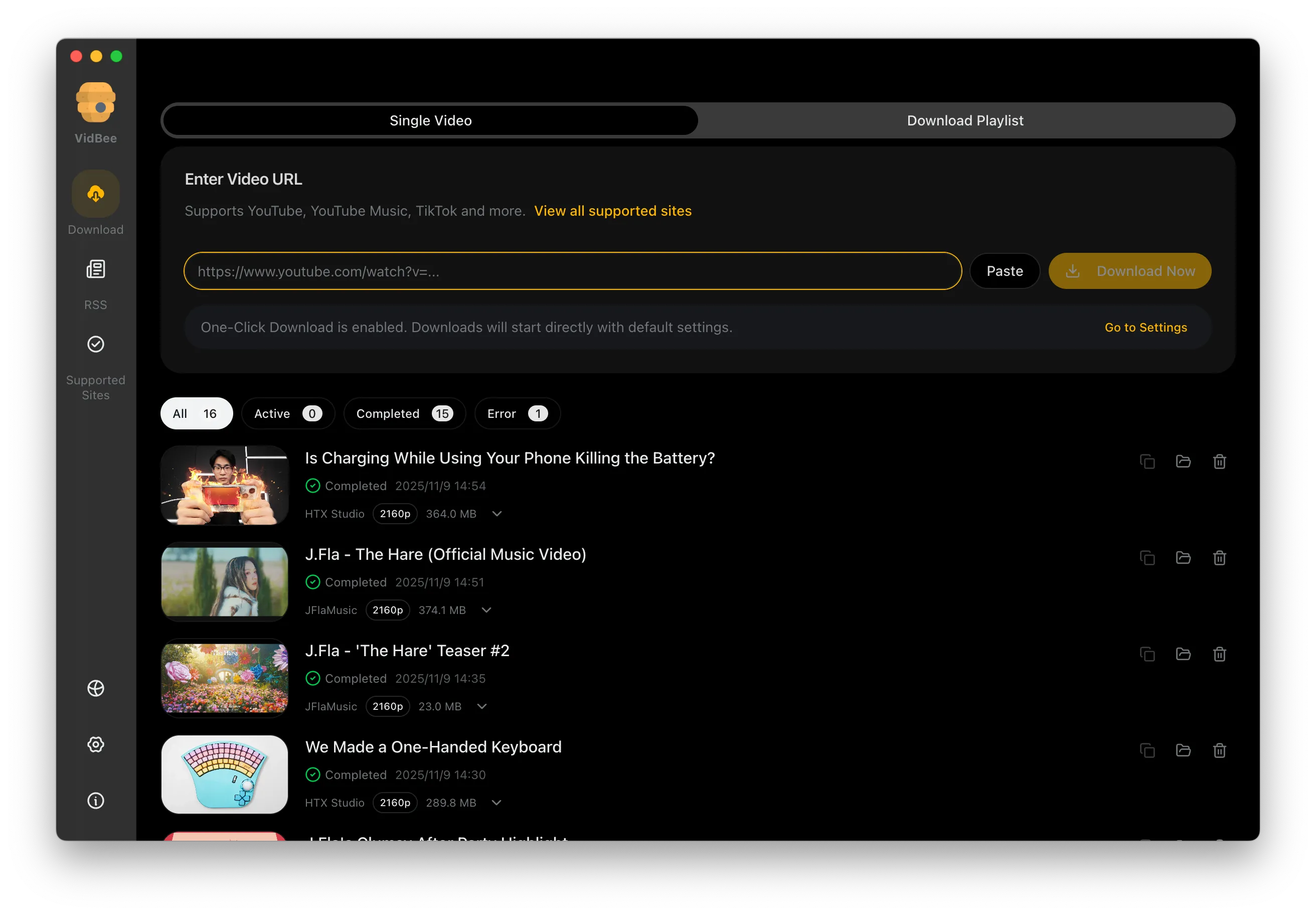

Get Videos in 4K & 8K
Download videos in HD 720p, 1080p, 4K, and 8K resolution. Enjoy high definition on any device.
Instagram Reels downloader FAQ
Answers for queues, moodboards, desktop workflows, and keeping Reel references organized locally.
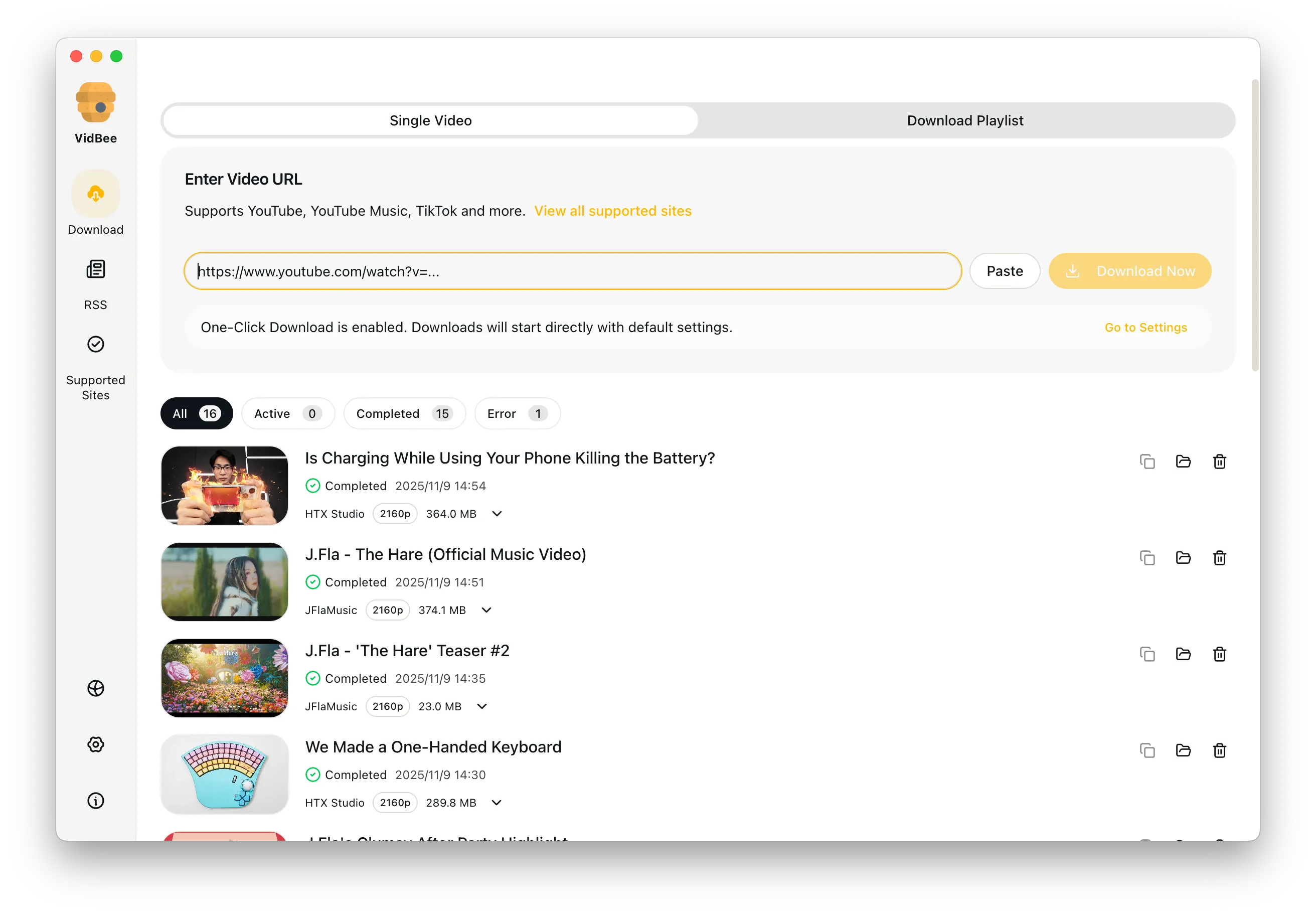
Yes. VidBee supports queue-based workflows, which helps when you are collecting many references at once.
Build a cleaner Reels reference library
Use VidBee when browser-only Reel tools are too noisy and too repetitive for real work. Completely free, with no registration or account required.
Only download content that is publicly accessible and that you have the right to use. Respect copyright and each platform's terms of service.