Save public LinkedIn videos for research, learning, or training with quick, ad-free downloads on Windows or macOS.
Completely free. No registration or account required.
Say goodbye to slow speeds, ads, and tedious scripts - VidBee focuses on the key challenges of downloading LinkedIn videos.
No scripts or complicated setup required. Follow the steps to capture high-quality videos effortlessly.
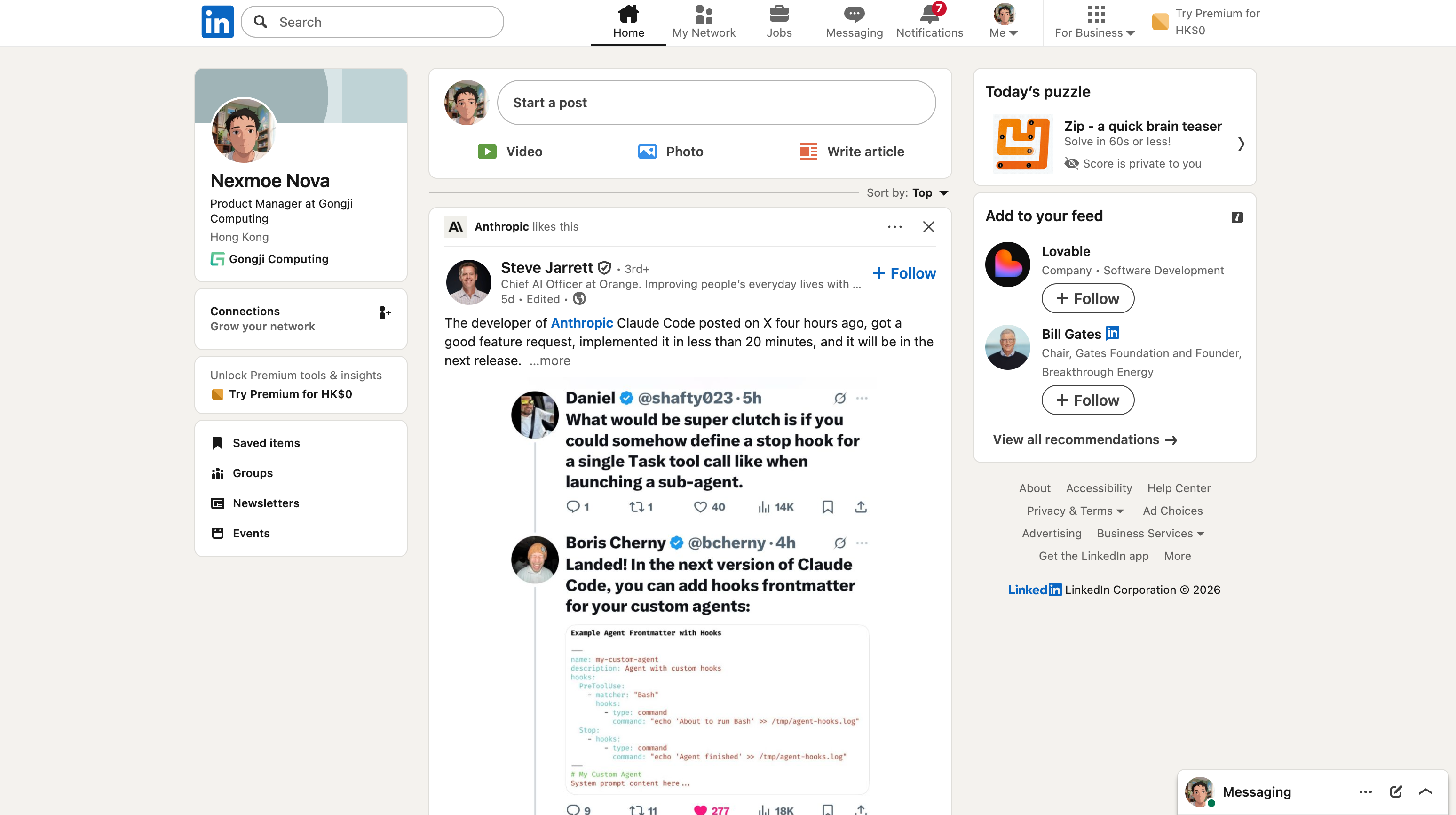
Open the LinkedIn post with the video and copy the URL.
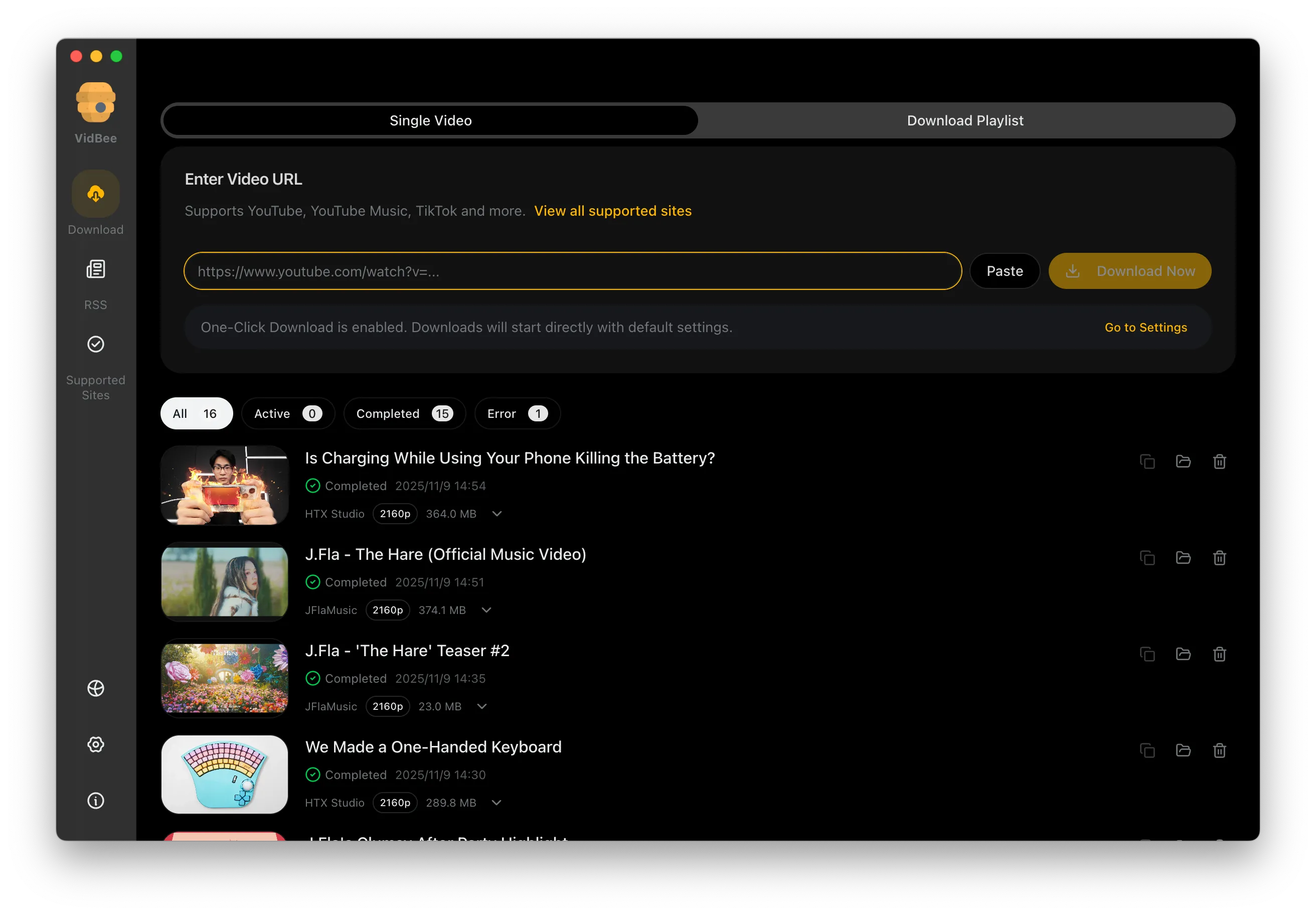
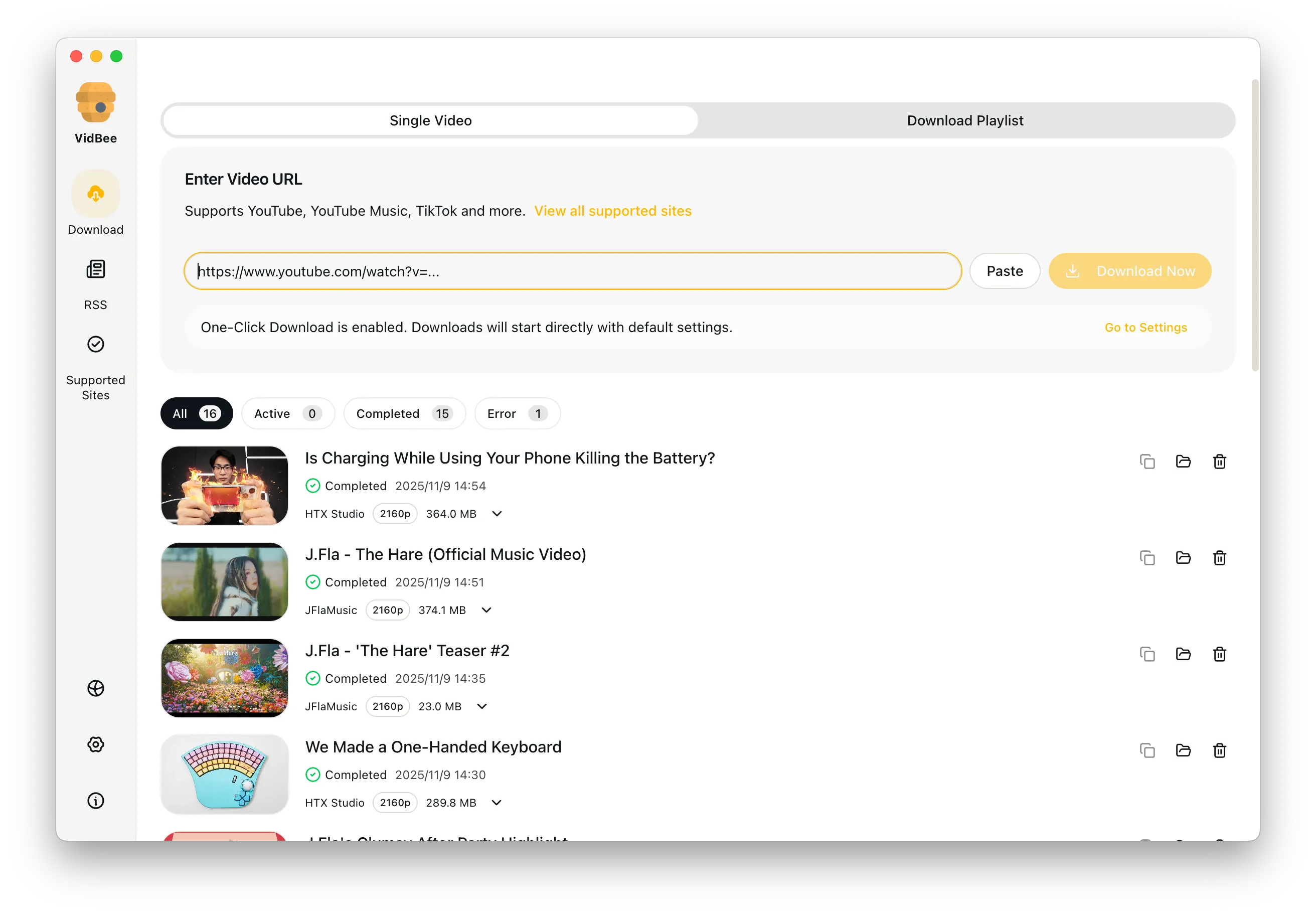
Paste the link into VidBee to parse the video.
Pick the resolution or audio-only output and start downloading.
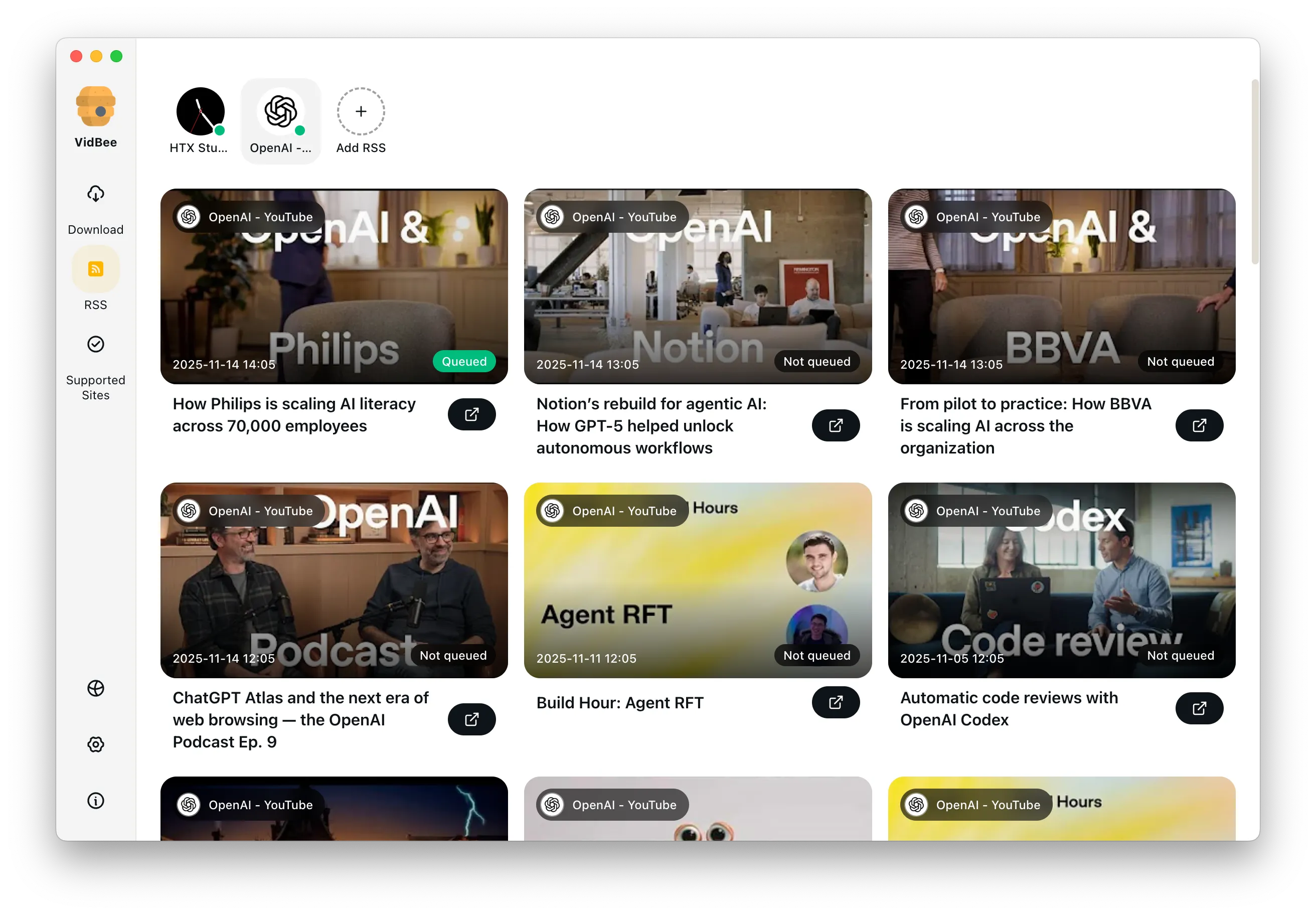
Save playlists, channels, and search results from YouTube in high quality. Download YouTube Watch Later, Liked videos, and private YouTube playlists.
Download annotations and subtitles along with YouTube videos. Save them in SRT format and choose from 50+ languages.
Download videos in HD 720p, 1080p, 4K, and 8K resolution. Enjoy high definition on any device.
Answers the common questions about LinkedIn downloads, quality, permissions, and workflows.
VidBee focuses on public LinkedIn posts. Private content requires access permissions.
Yes. Downloaded videos can be saved for offline training and internal knowledge libraries.
No. VidBee uses public links and does not ask for account access.
Yes. Choose audio-only output after parsing to save talks or interviews.
Install once to handle video collecting and backups across platforms. Completely free, with no registration or account required.
Only download content that is publicly accessible and that you have the right to use. Respect copyright and each platform's terms of service.